Google Sheets
A Google Sheets dashboard turns your spreadsheet data into clear, shareable visualizations. Connect Google Sheets to Klipfolio, build custom dashboards with 30+ chart types, and share them via email, PDF, TV, or web link. Refresh rates from 1 minute to 24 hours keep your team working from current data.
Track all your Google Sheets KPIs in one place
Sign up for free and start making decisions for your business with confidence.
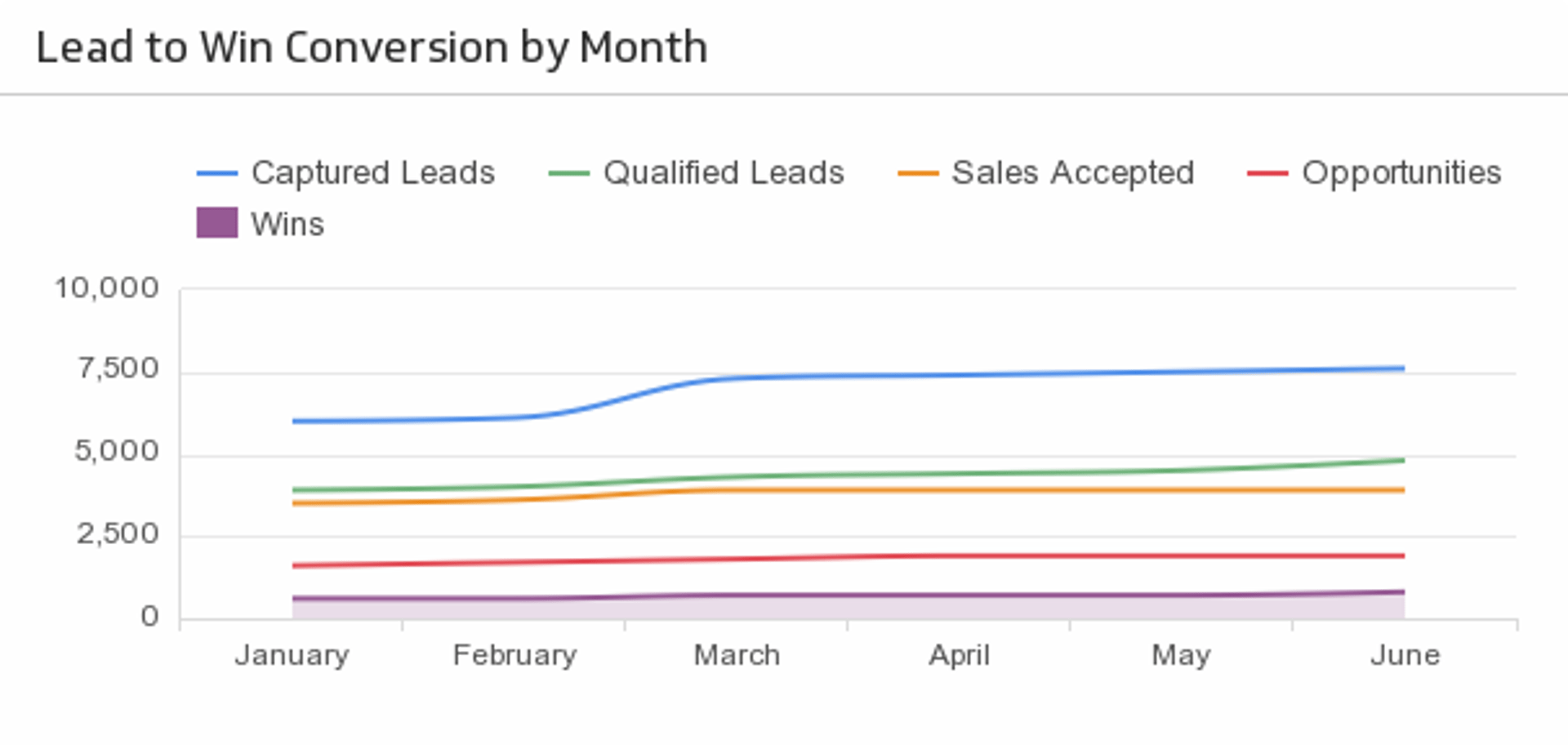
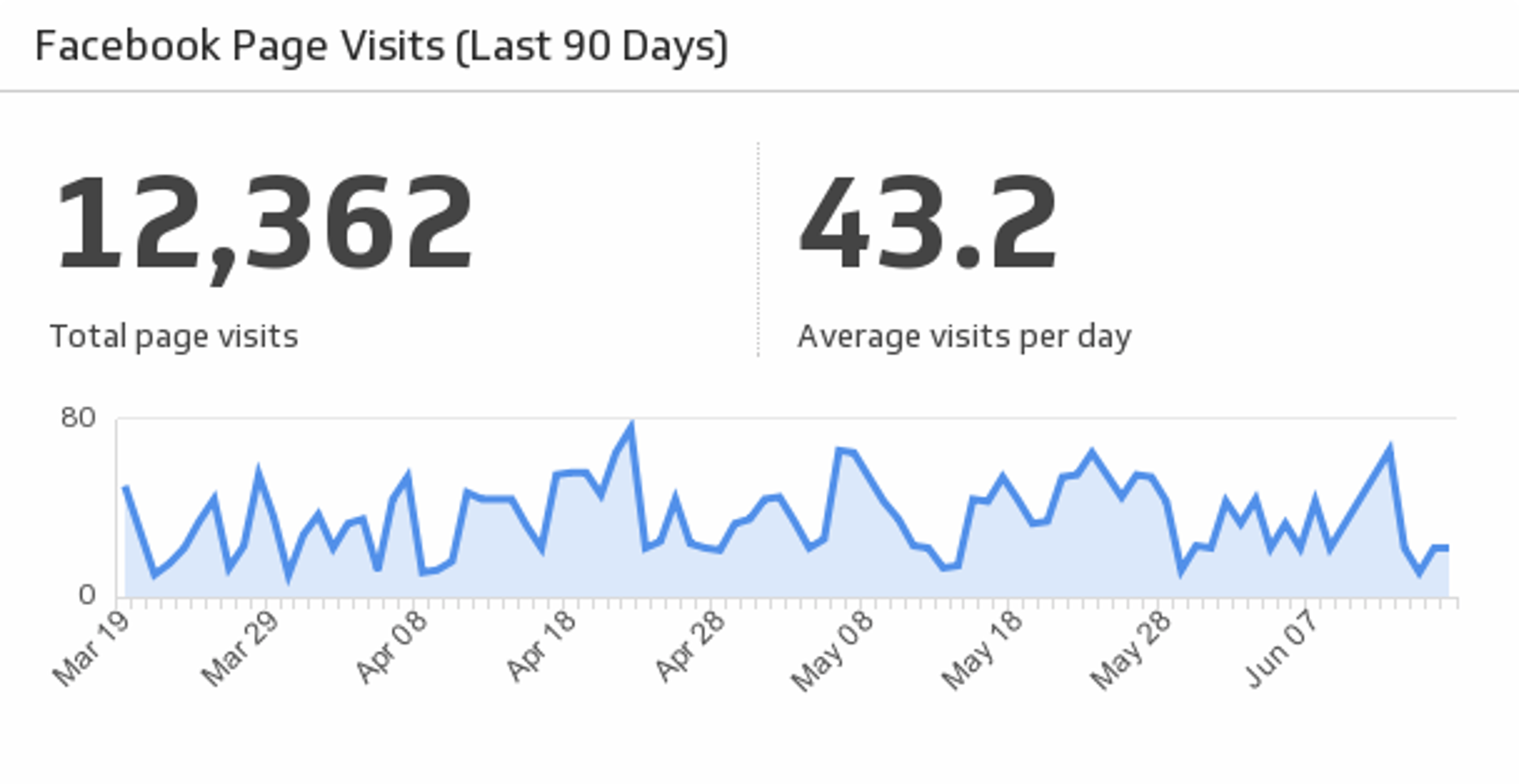
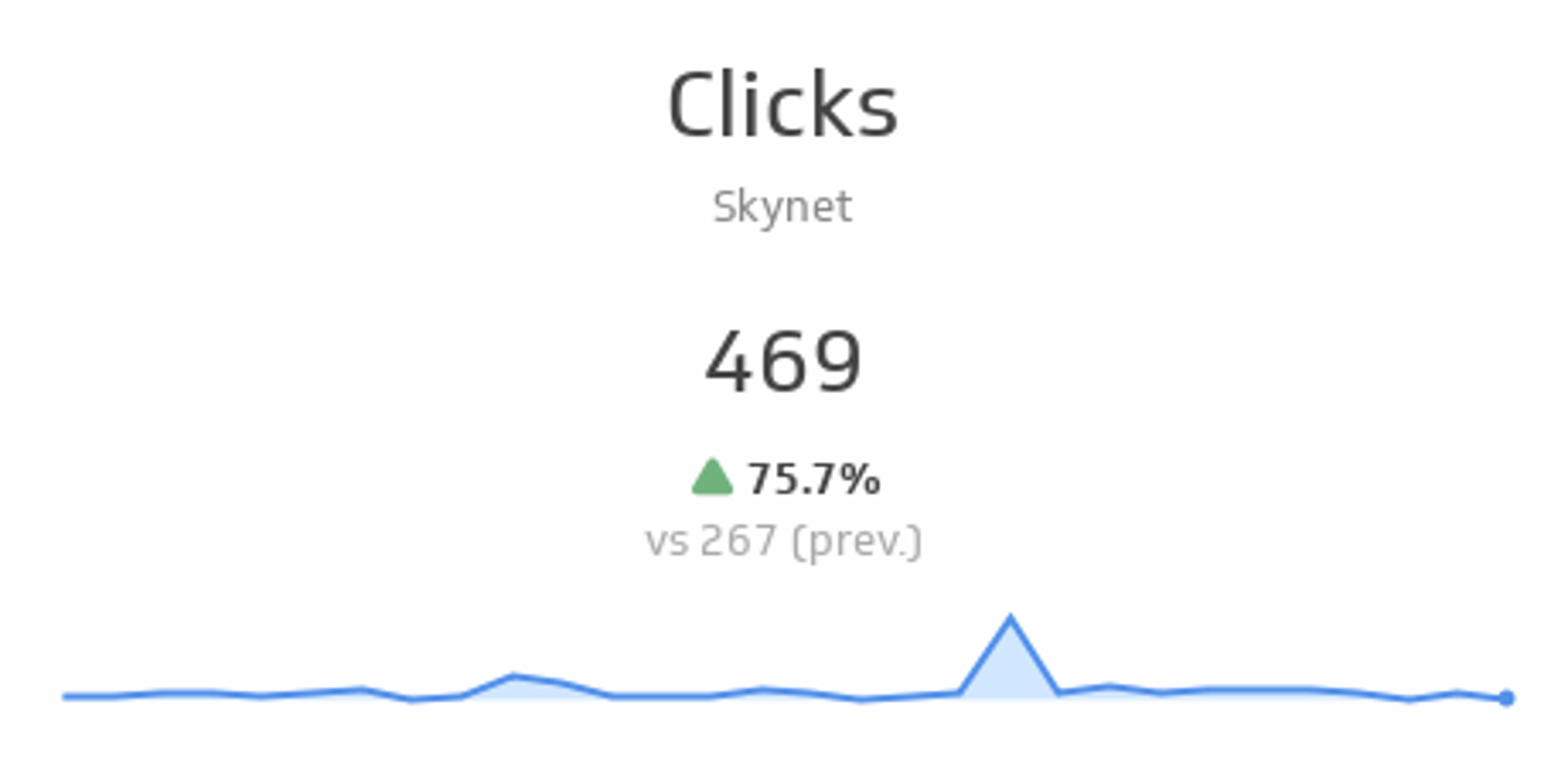
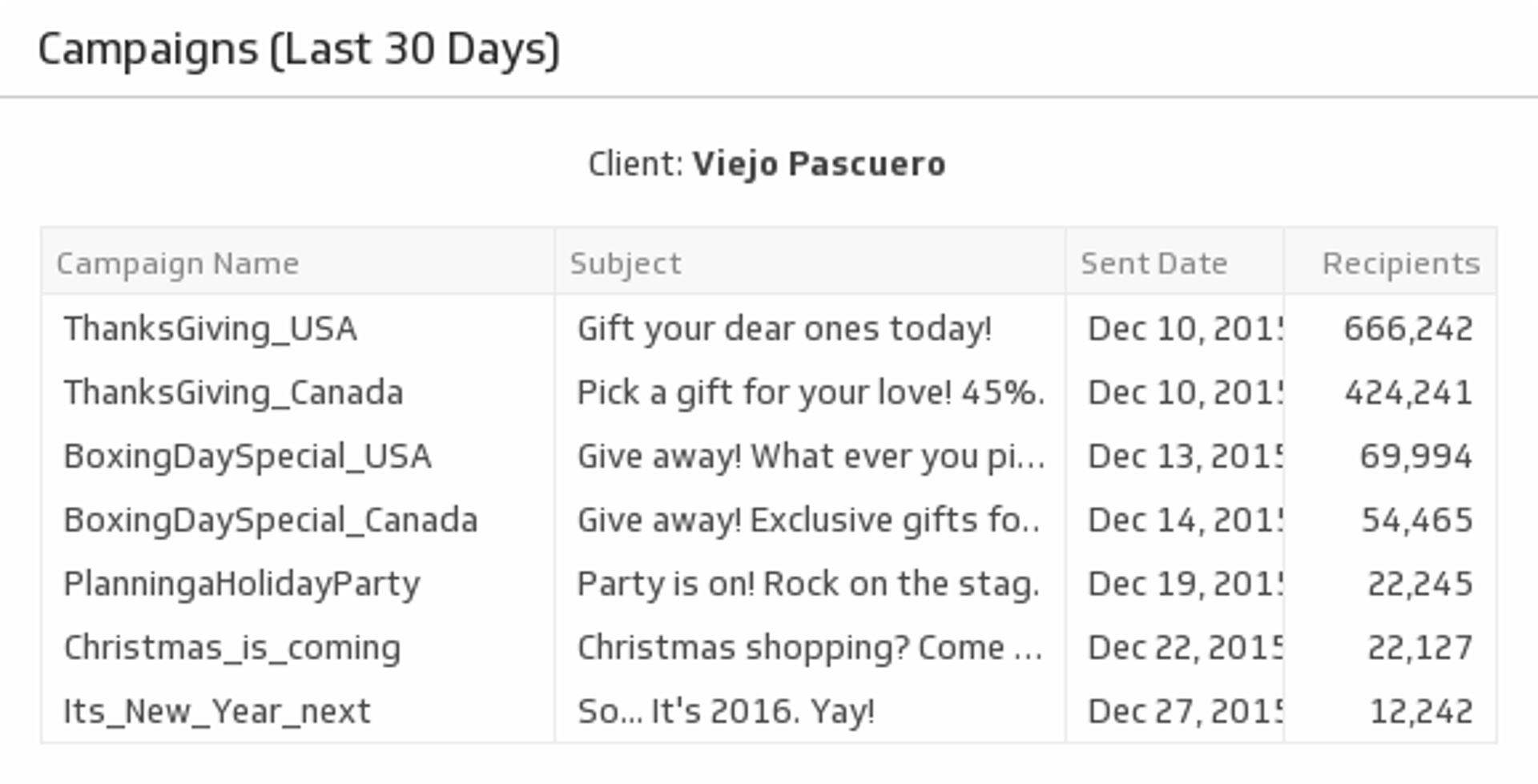
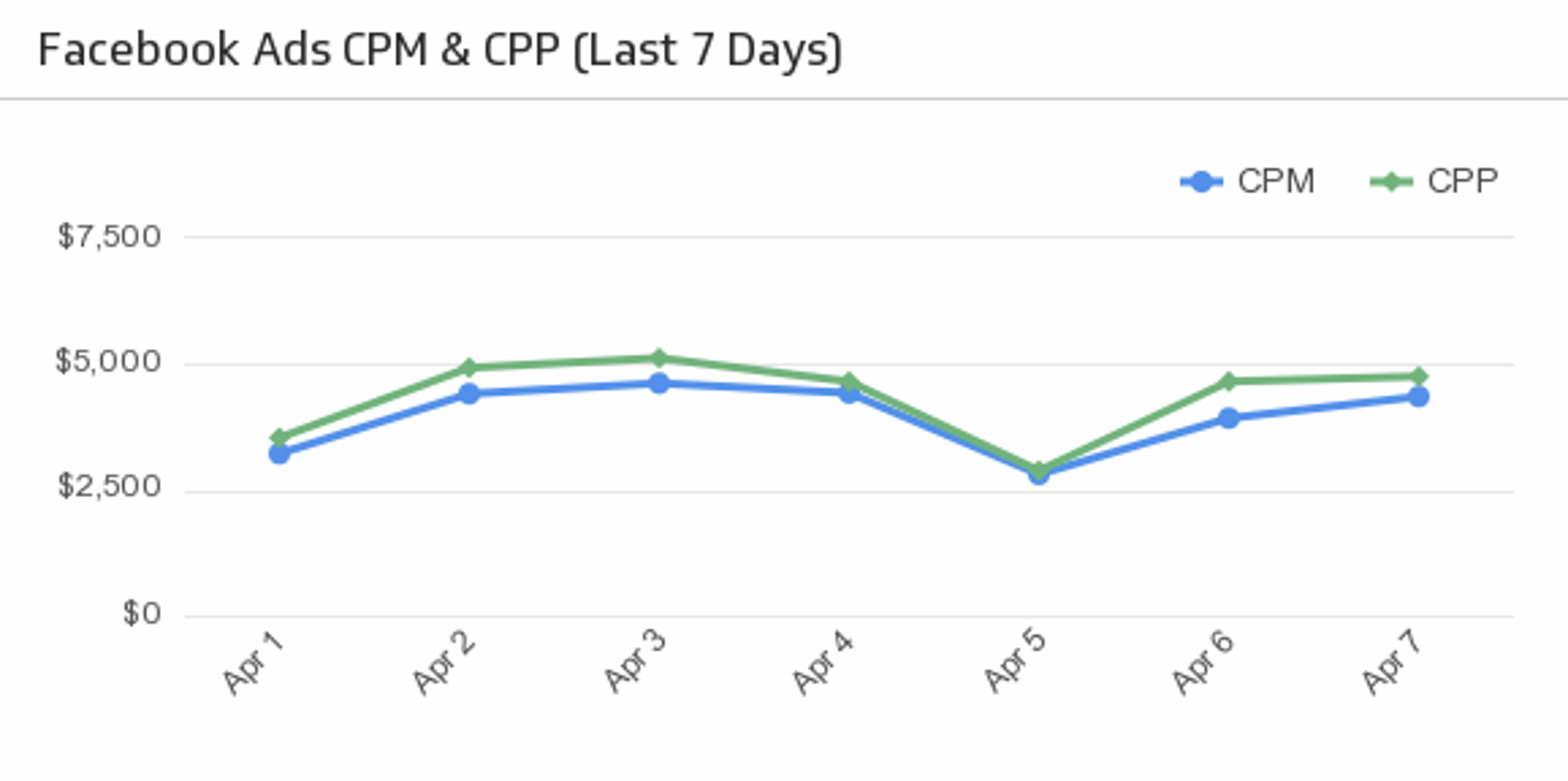
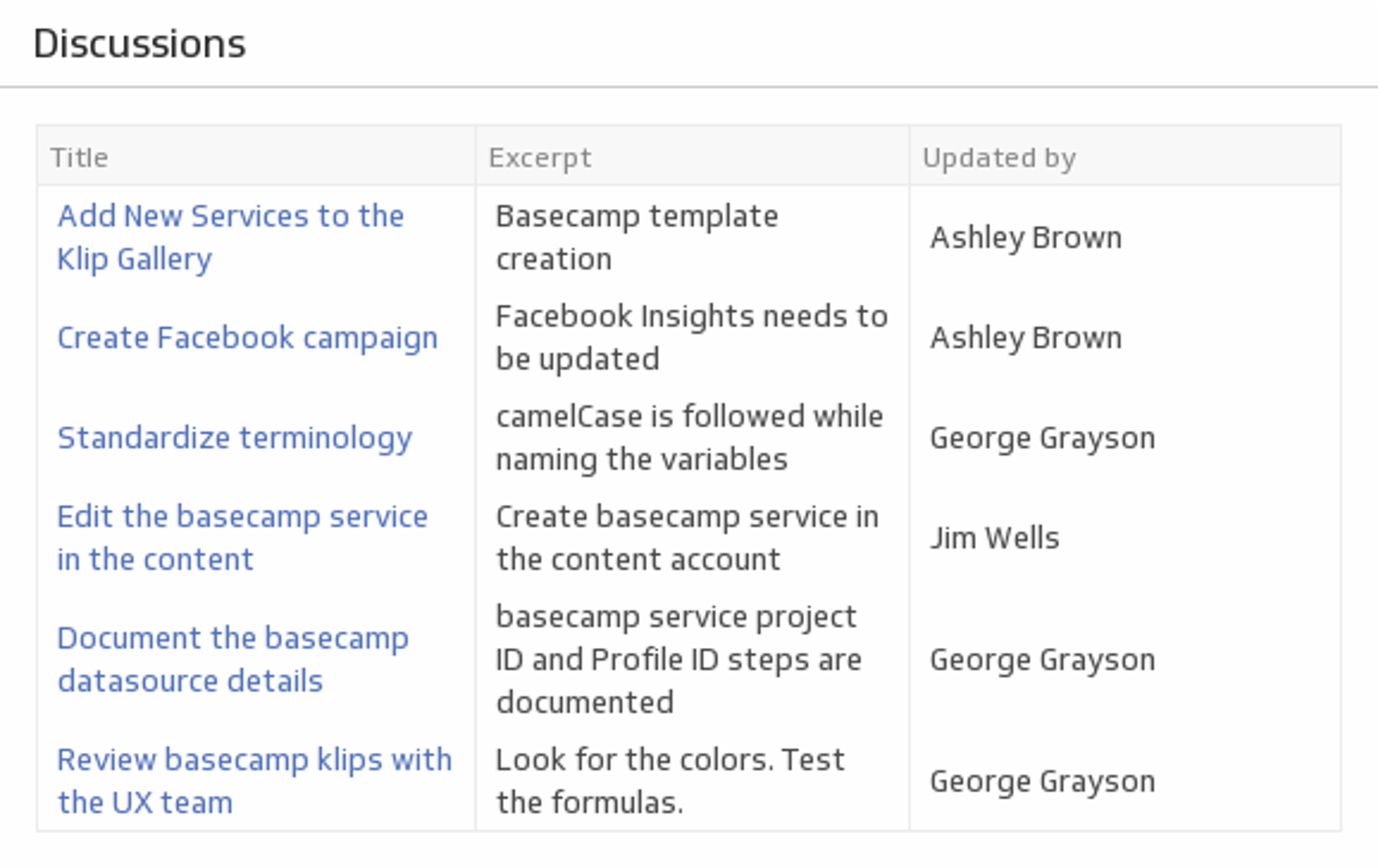
Google Sheets dashboard building tool
There's a story behind every Google Sheet. A Google Sheets dashboard helps you tell it.
Storing and working with numbers in a static spreadsheet isn't enough. Data needs to be visualized and shared with ease. Without that, you're stuck in your workbook with a confusing mess of rows, columns, and tables. A Google Sheets dashboard presents your data in a clean, open format that makes sense to you and everyone on your team.
How to build a Google Sheets dashboard
Connect your data. Upload your Google Sheet using the built-in Google Sheets connector.
Select your metrics. Identify what's most important for you and your team to track.
Design your dashboard. Arrange your data, change colours, and add charts, graphs, or indicators.
Share your dashboard. Emails, PDFs, web links, TV dashboards — there's no shortage of ways to share your work with colleagues.
Top 4 reasons to use Klipfolio for Google Sheets dashboards
Daily, weekly, monthly, and quarterly reporting can be tedious. Klipfolio makes it fast. Connect your Google Sheets data, build a custom dashboard, and export insights for reports instantly — saving you time at every step.
1: Connecting your Google Sheets data is simple
Use the pre-built Google Sheets connector to link your data and start building a custom dashboard right away. No manual exports, no copy-pasting.
2: Create beautiful custom visualizations
Use the Klip Editor to design visualizations using your Google Sheets data. You get full control over layout, chart types, and formatting — with 30+ visualization types to choose from.
3: Share your dashboards your way
From scheduled PDF snapshots to live TV dashboards, share your Google Sheets dashboard however works best for your team. Email, Slack, public web links, and more are all supported.
4: Bring all your data together
Your data rarely lives in one place. Klipfolio connects to 130+ data sources — spreadsheets, databases, cloud storage, and web applications — so you can build a complete picture alongside your Google Sheets data.
Use what you already know from Google Sheets
Switching tools doesn't mean starting from scratch. Klipfolio is built to feel familiar.
Functions
You've already invested time learning Google Sheets functions. Klipfolio supports 100+ Excel-like functions, so that knowledge carries over directly.
Cells
The cell-based structure you use to organize data in Google Sheets works the same way in the Klip Editor. The mental model transfers.
Tabs
Navigating multiple spreadsheets in a single file can get messy. Klipfolio gives you a cleaner way to organize and display data across sources without juggling tabs.
Why create a Google Sheets dashboard?
Accurate data for your whole team, anywhere
A Google Sheets dashboard gives everyone access to the same information. Your team always knows where they stand and can make decisions backed by real data — from TVs to mobile phones to email reports.
Understand your data with clear visualizations
Google Sheets can generate basic charts, but customization is limited. With Klipfolio, you control the design. Build bar charts, tables, indicators, and more — and present your data in a way that actually communicates something.
Automatic updates keep you current
With your Google Sheets data stored in the cloud, your dashboard refreshes automatically. Refresh rates range from one minute to 24 hours, so your team always has current numbers without any manual effort.
Ready to build your Google Sheets dashboard?
Before you get started, read the best practices guide on How to Build a Dashboard using Google Sheets. It covers the key foundations you need to move quickly, including:
- Database layout
- Data format
- Automating the data transfer
- Using infinite and automatic formulas
- Working with infinite ranges
- Setting up rolling periods of time
Use the Connector Gallery to create a custom Google Sheets dashboard
With our Connector Gallery, you can create custom API queries to pull in data from your Google Sheets account. Building custom queries allows you to specify the metrics and time periods that you want to track.
You can use custom queries to build out visualizations in Klipfolio. You can also combine your Google Sheets data with other relevant data to create your custom dashboard.
Learn more about working with the Google Sheets API and how you can start building your own Google Sheets queries in Klipfolio.
