WooCommerce
Build a WooCommerce dashboard with Klipfolio. Track the e-commerce metrics that matter most to your business in a real-time dashboard — updated automatically, no manual exports required.
Track all your WooCommerce KPIs in one place
Sign up for free and start making decisions for your business with confidence.
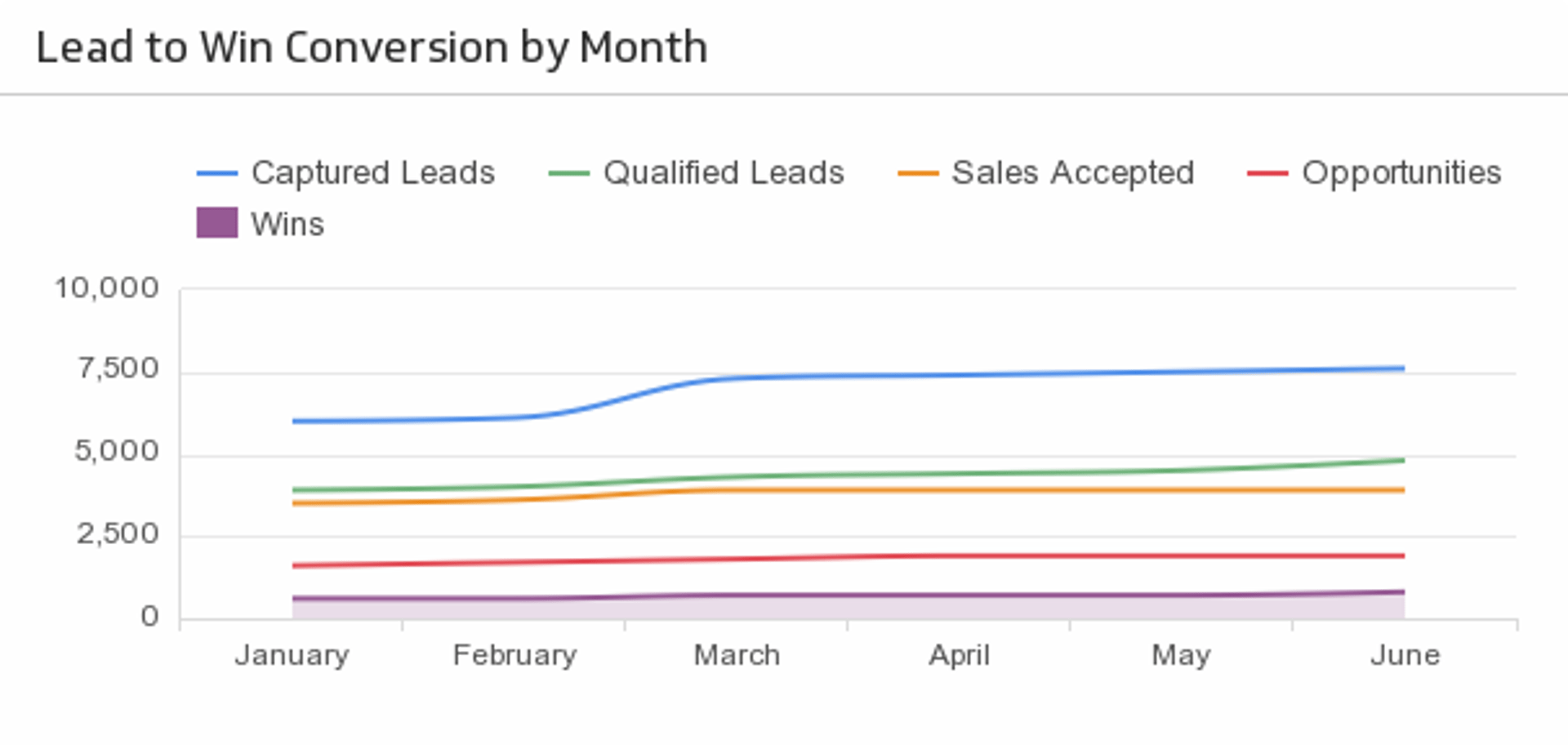
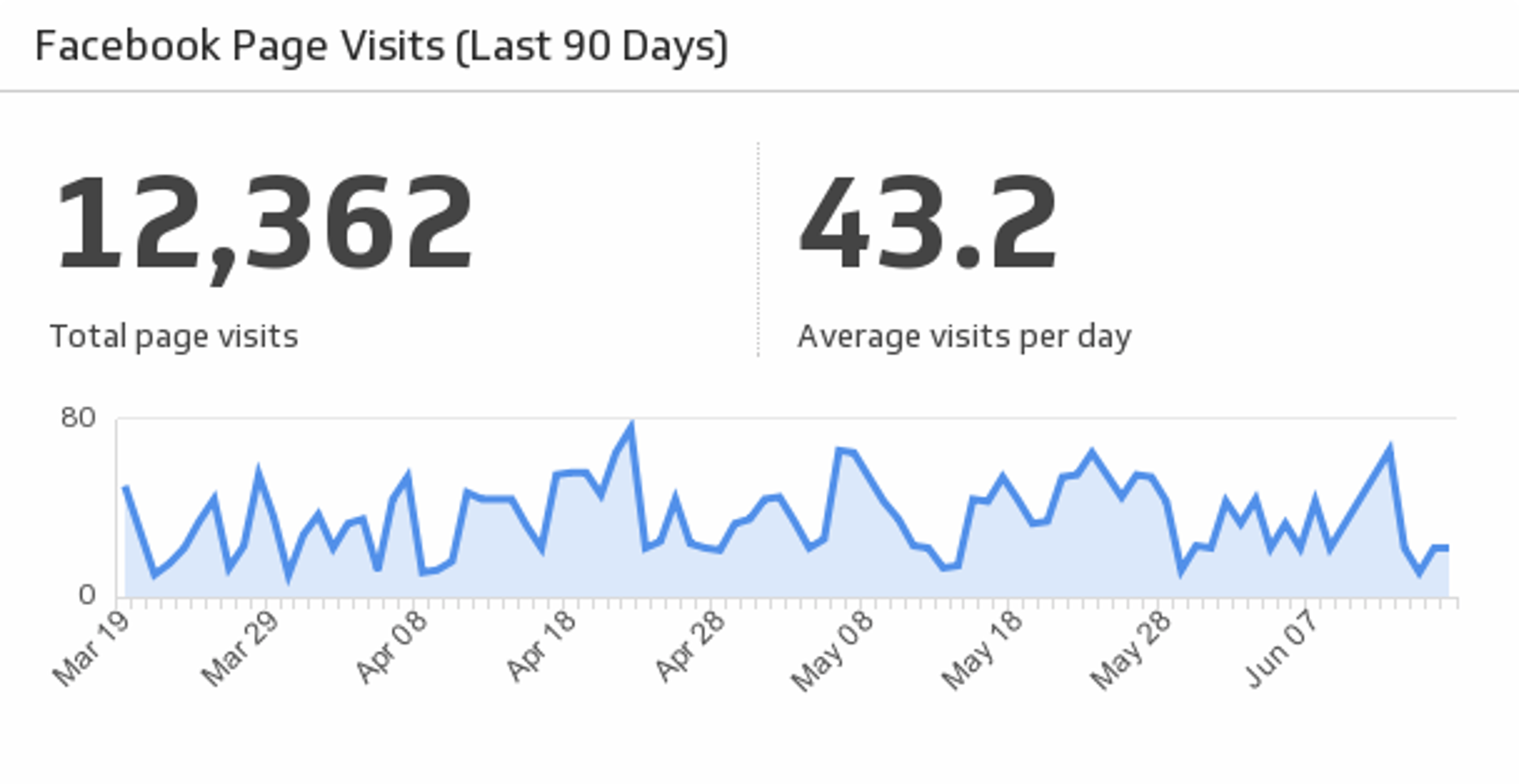
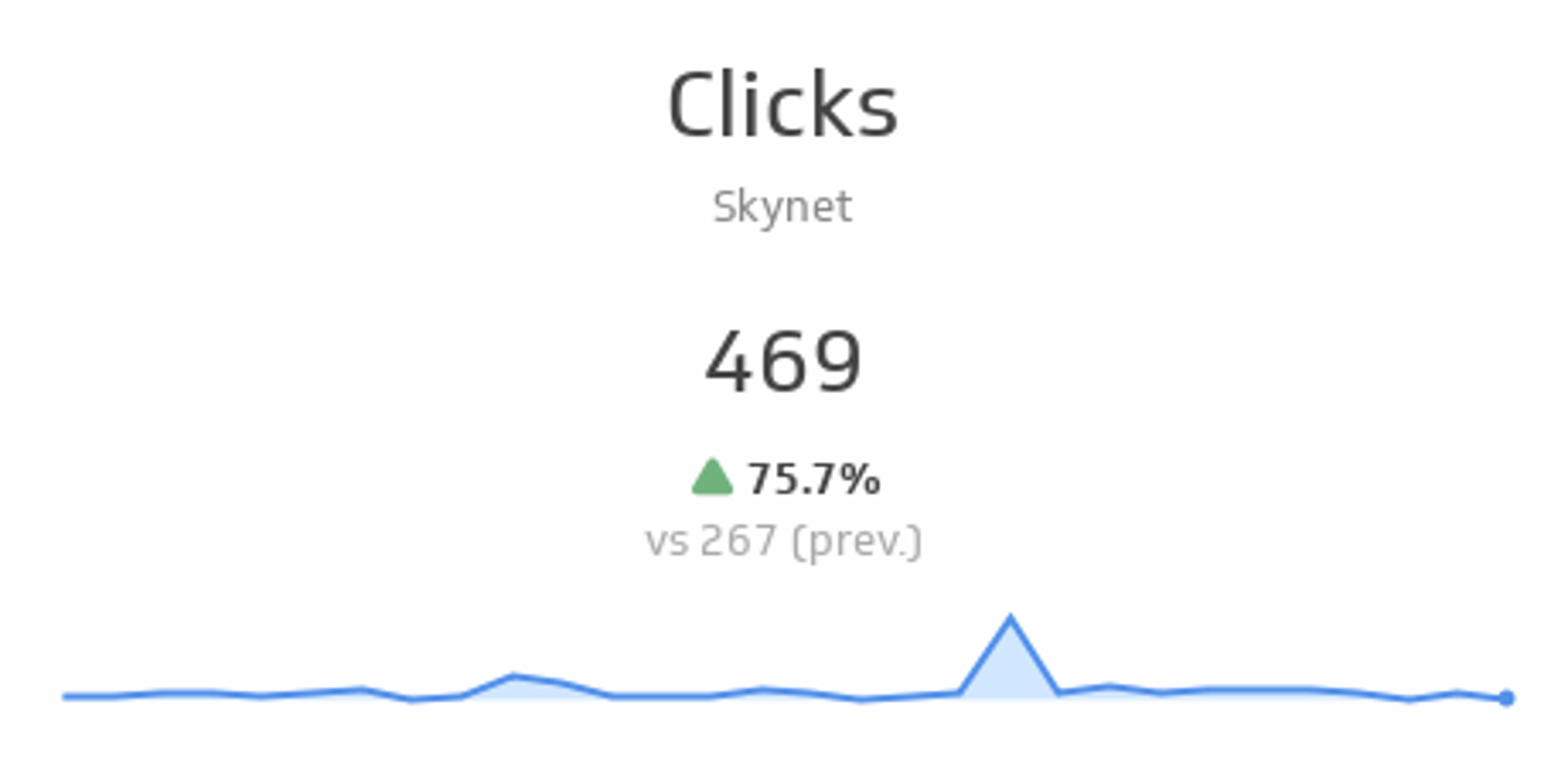
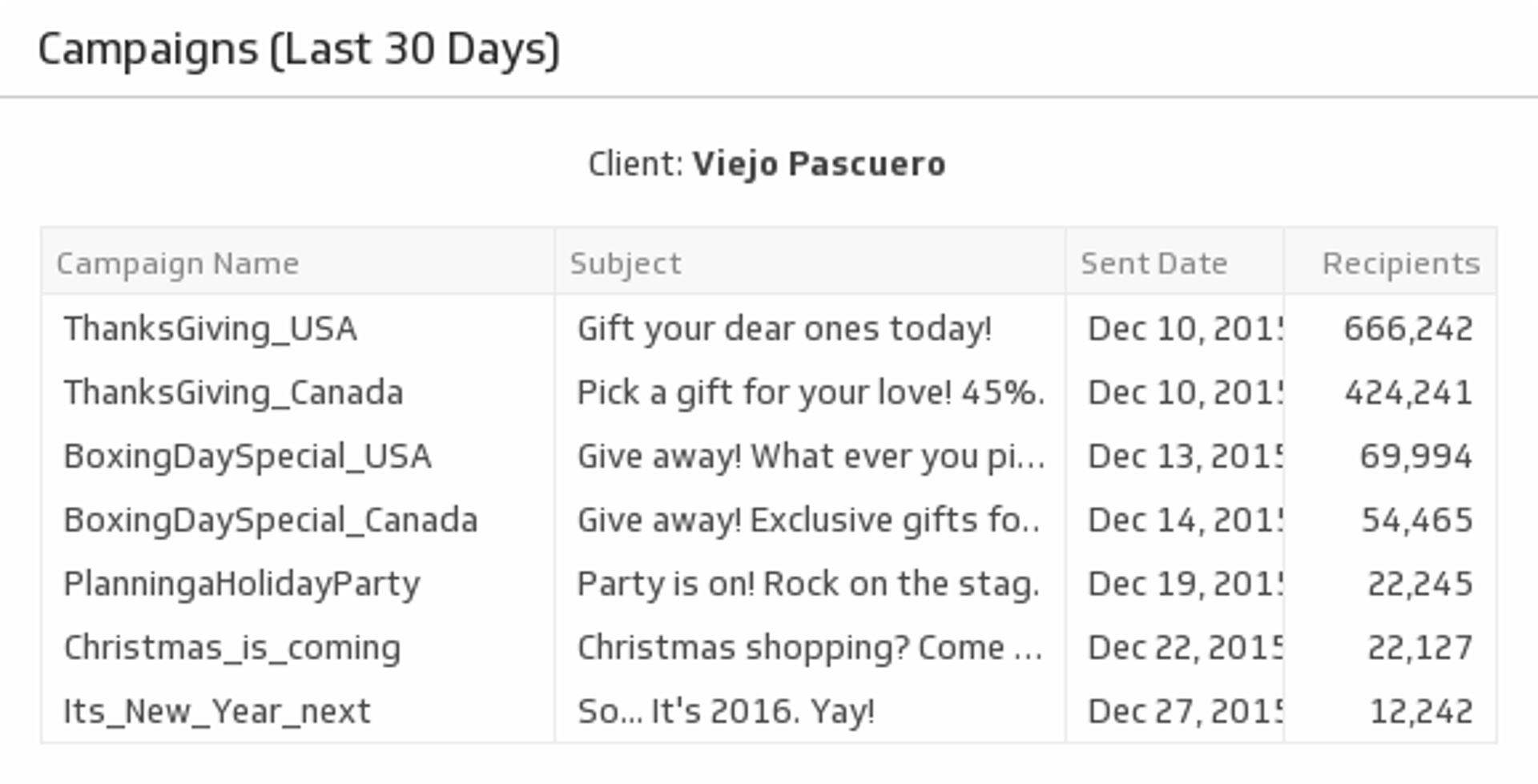
Tracking WooCommerce store performance shouldn't mean logging into your admin panel every time someone on your team needs a number. Connect WooCommerce to Klipfolio and your sales data lives in one real-time dashboard, updated automatically.
How to build a WooCommerce dashboard
You have two ways to connect WooCommerce data in Klipfolio. Start with the pre-built option if you want results fast, or go custom if you need specific metrics.
Before you begin, have your WooCommerce subdomain, Consumer Key, and Consumer Secret ready. You can find your Consumer Key and Consumer Secret in the WooCommerce REST API documentation.
Use pre-built WooCommerce data requests
The Connector Gallery includes ready-made queries for the most common WooCommerce data sets:
- Coupons
- Latest 10 products
- Latest 10 orders
- Sales
- Open the Service Connectors page and select WooCommerce.
- Choose a pre-built data source from the left panel.
- Enter your subdomain, Consumer Key, and Consumer Secret.
- Click Get data, confirm the results look right, then click Continue.
- Name your data source, set a refresh schedule, and click Save.
Note: Pre-built data sources require WooCommerce version 3.5 or higher. If you're on an older version, use a custom data request instead.
View the step-by-step setup guide
Use custom WooCommerce data requests
If the pre-built requests don't cover your specific metrics, build your own queries directly in the Connector Gallery.
- Open the Service Connectors page and select WooCommerce.
- Click Create a custom WooCommerce data source.
- Replace the placeholder values in the Query URL — for example, swap with your actual WooCommerce domain.
<yourDomain>
- Edit the query to return the data you need. Refer to the WooCommerce REST API documentation for available endpoints.
- Click Get data, confirm the results, then click Continue.
- Name your data source, set a refresh schedule, and click Save.
Top reasons to use Klipfolio for WooCommerce dashboards
Klipfolio adds visibility and automation on top of your WooCommerce store data.
- Real-time monitoring: Track orders, sales, and product performance as they happen, without waiting for a manual export.
- Centralized reporting: Combine WooCommerce data with other sources, such as Google Analytics 4 or your CRM, in a single dashboard.
- Custom visualizations: Choose from 30+ chart types to present your e-commerce data in a format that makes sense for your team.
- Automated data refresh: Klipfolio refreshes your data on a schedule, so your dashboard stays current without any manual work.
- Flexible distribution: Share dashboards with your team via TV mode, public links, scheduled PDFs, or embedded views.
From WooCommerce to dashboard: what changes
| What you do in WooCommerce | What Klipfolio adds |
|---|---|
| Log into the WooCommerce admin to check orders | A live dashboard your whole team can access anytime |
| Export reports manually | Automated, scheduled data refreshes |
| View WooCommerce data in isolation | Combine with GA4, your CRM, and other sources |
| Share screenshots or CSV exports | TV mode, embeds, PDFs, and public links |
Stop logging in to check numbers. Start seeing your store data the moment it changes.
Use the Connector Gallery to create a custom WooCommerce dashboard
With our Connector Gallery, you can create custom API queries to pull in data from your WooCommerce account. Building custom queries allows you to specify the metrics and time periods that you want to track.
You can use custom queries to build out visualizations in Klipfolio. You can also combine your WooCommerce data with other relevant data to create your custom dashboard.
Learn more about working with the WooCommerce API and how you can start building your own WooCommerce queries in Klipfolio.
