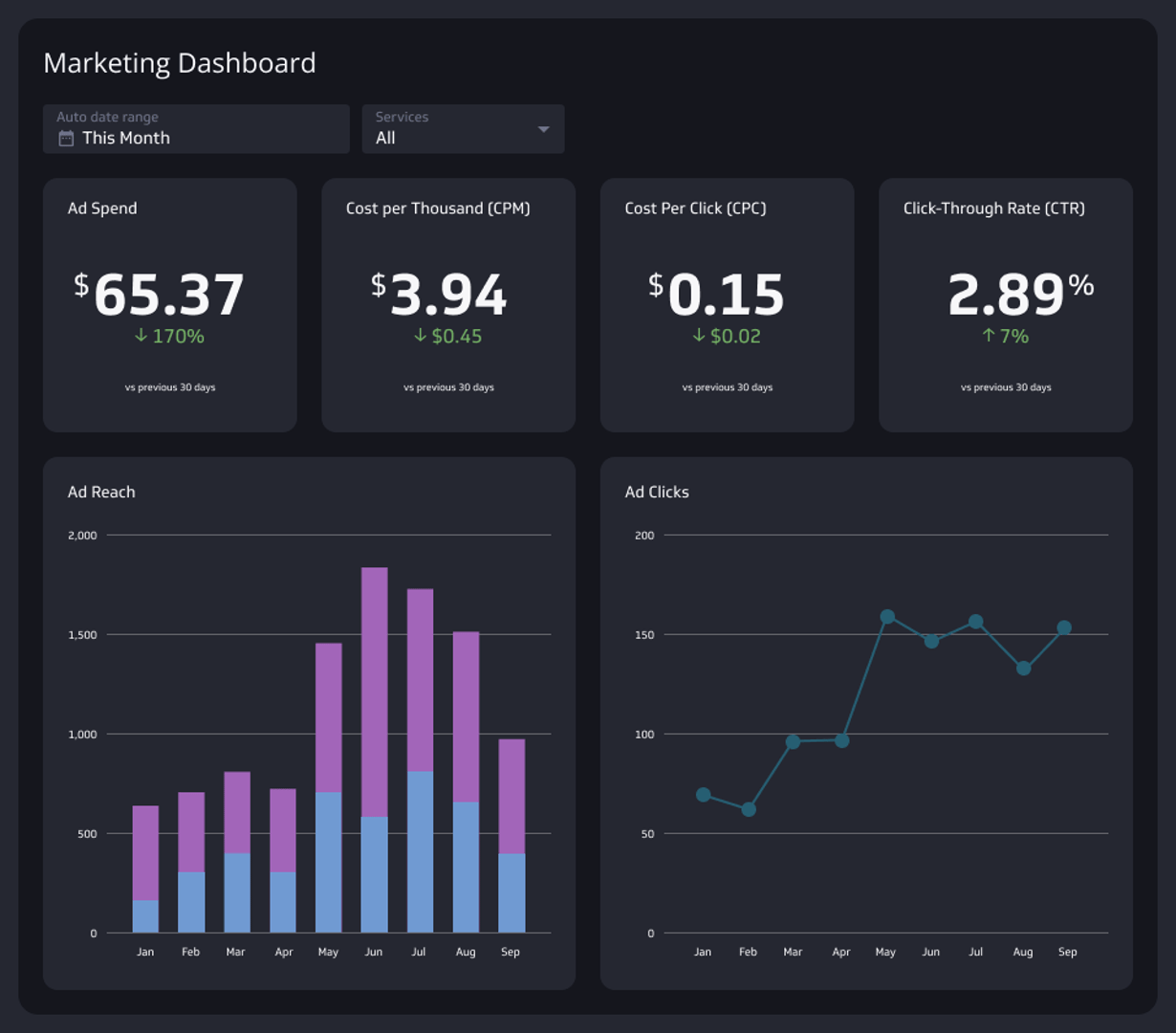
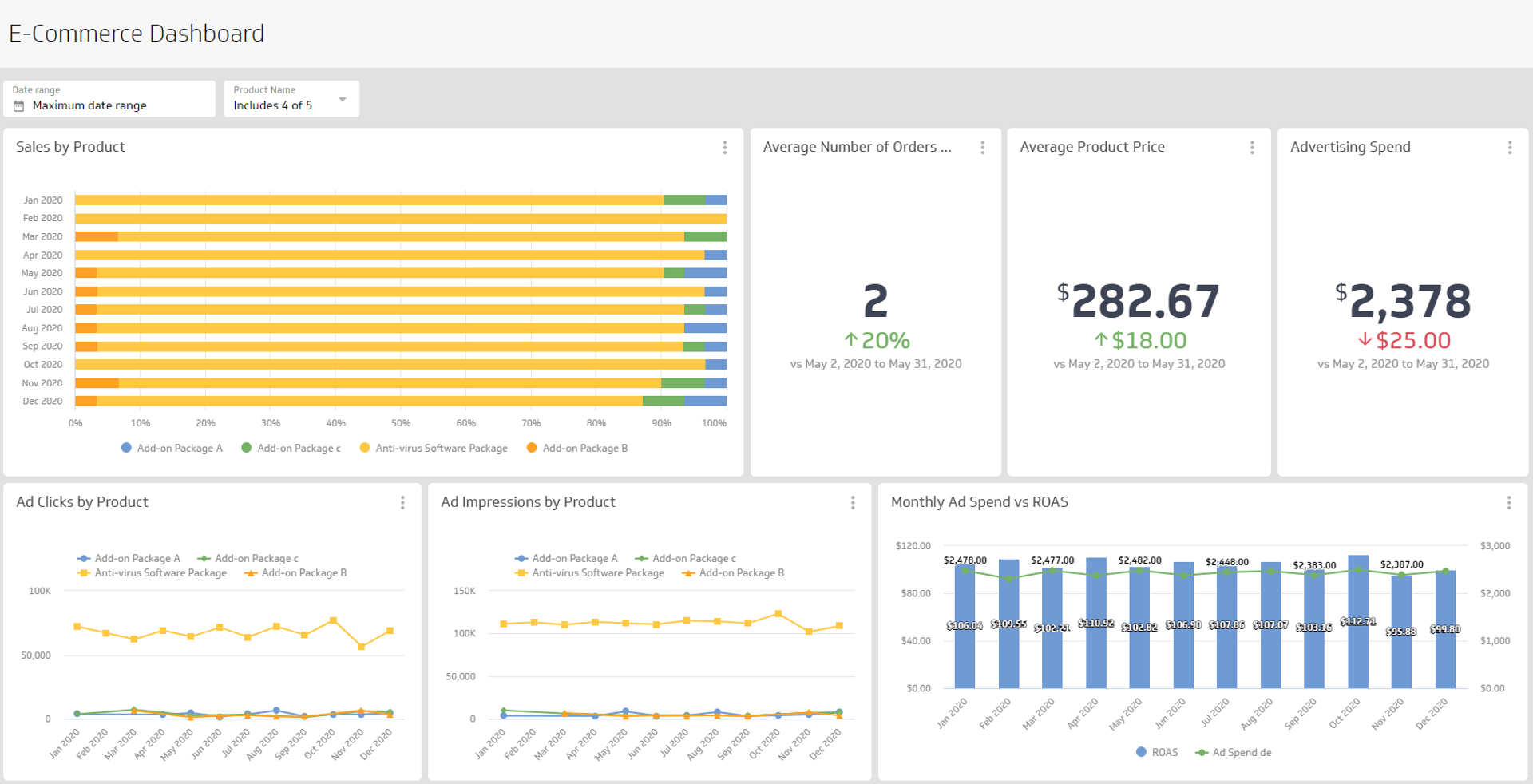
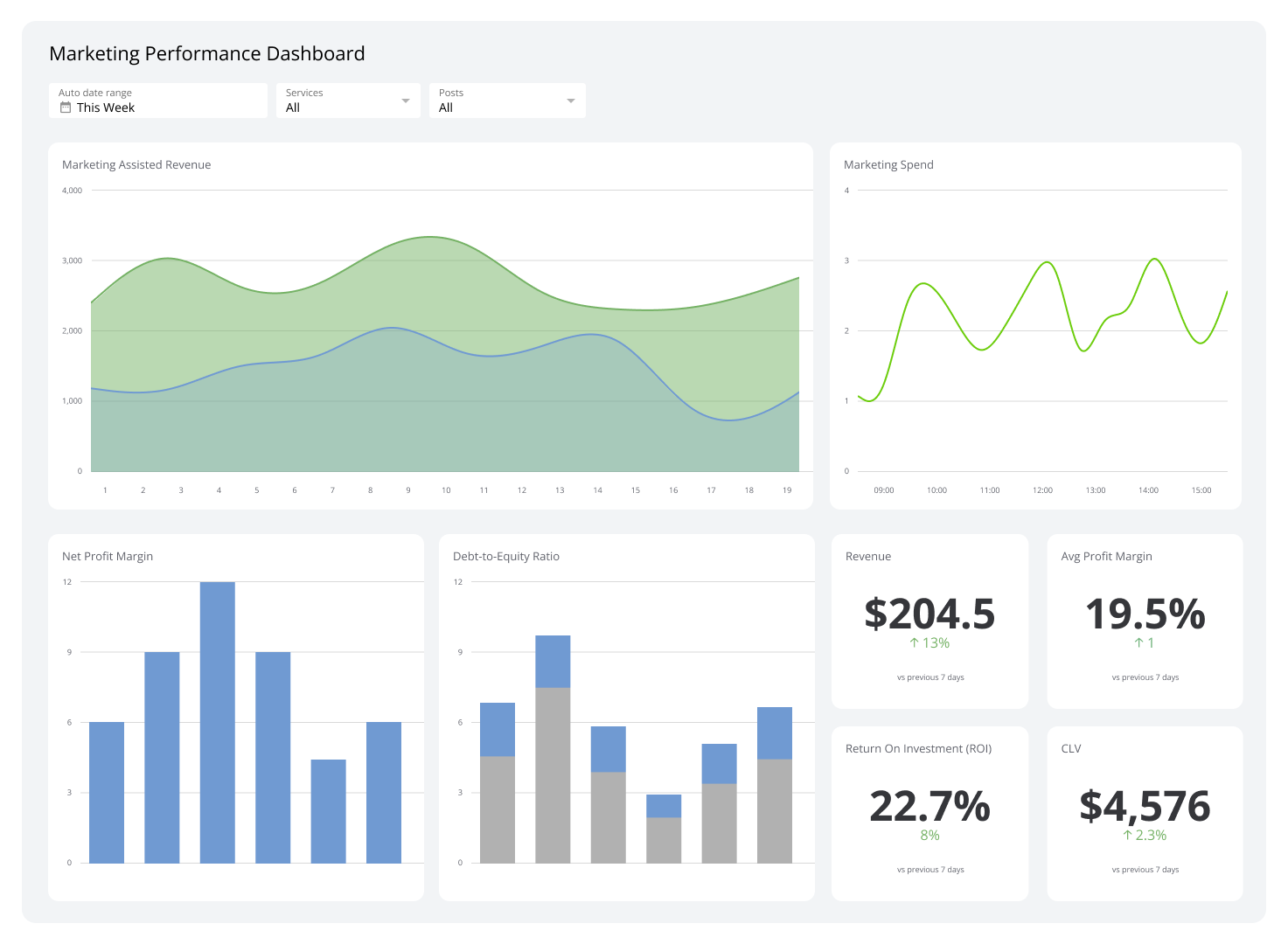
CMO Dashboard
Your marketing command centre for real-time insights.
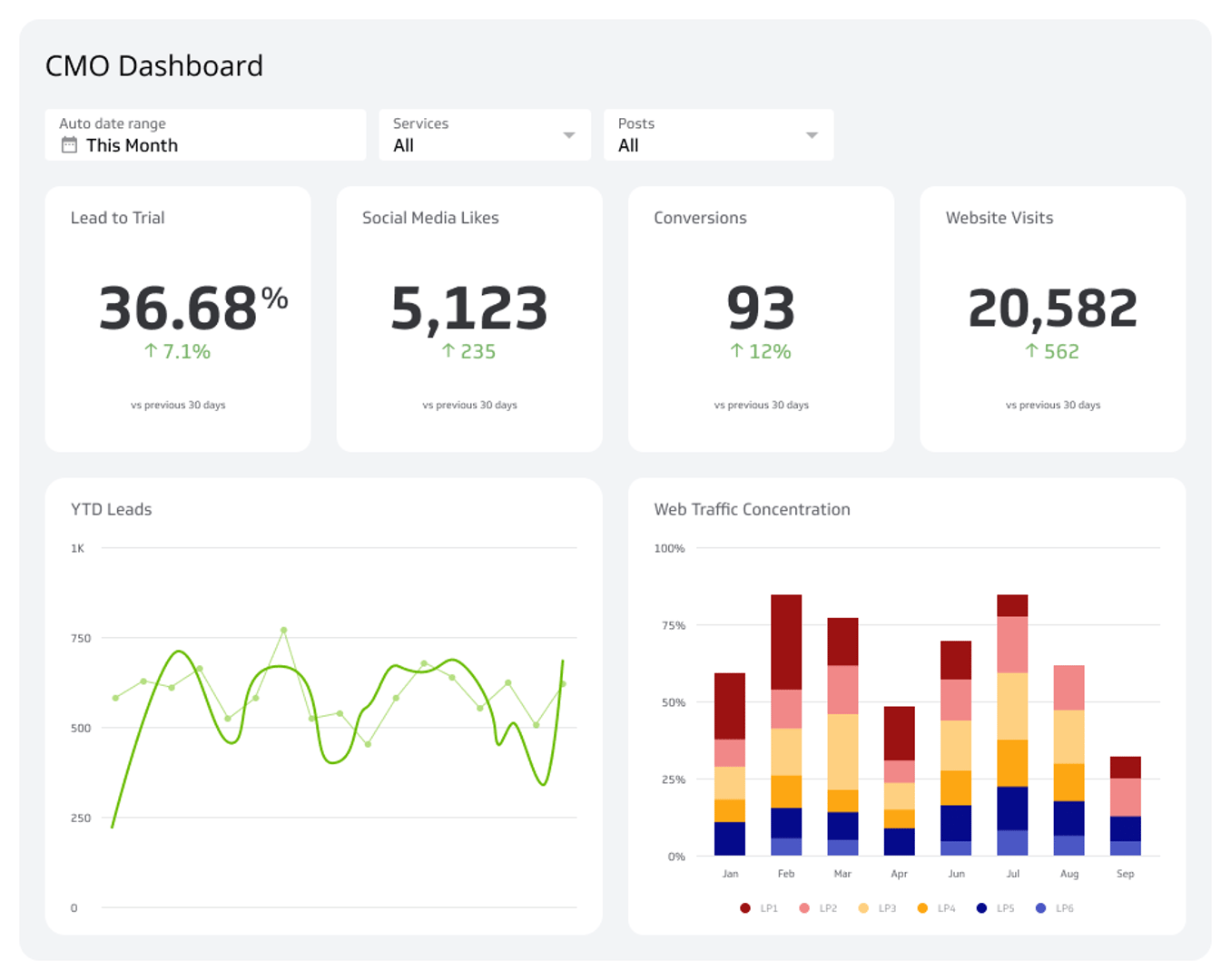
What is a CMO dashboard?
A CMO dashboard centralizes your marketing KPIs into one real-time view, replacing scattered reports with a single source of truth for faster, smarter decisions.
As a marketing leader, your data lives everywhere: social media platforms, web analytics tools, email platforms, lead generation tools, and spreadsheets. Pulling it all together manually takes time you don't have. A Chief Marketing Officer (CMO) dashboard solves this by consolidating every key metric into one place, so you can monitor performance, spot trends, and act quickly.
Think of it as your marketing command centre. Instead of chasing reports across a dozen tools, everything your team needs is visible at a glance.
What to include on your CMO dashboard
The most effective CMO dashboards focus on metrics that connect marketing activity to business outcomes. A critical metric to include is return on marketing investment, which measures how much revenue a campaign generates relative to its cost. It's the clearest signal of whether your marketing spend is working.
Here are the key elements of an effective CMO dashboard example:
Real-time KPI monitoring: Your essential metrics should update automatically and stay accessible, so you can answer questions as they arise, not after a reporting cycle.
Team alignment: A clear, shareable dashboard keeps everyone on the same page, whether it's displayed in a weekly report or on a wall-mounted screen in the office.
A single source of truth: Combining data from all your marketing channels gives you an at-a-glance view of overall campaign performance, without the reconciliation headaches.
Key metrics for a CMO dashboard
The right metrics depend on your goals, but most CMO dashboards track a combination of pipeline, engagement, and efficiency data. Here are the metrics that matter most:
Marketing Qualified Leads (MQLs): The volume of leads that meet your criteria for sales readiness. Tracks the health of your top-of-funnel activity.
Sales Qualified Leads (SQLs): Leads accepted by the sales team. Bridges the gap between marketing output and revenue potential.
Return on marketing investment (ROMI): Revenue generated per dollar spent on marketing. The headline metric for executive reporting.
Cost per lead (CPL): How much you're spending to acquire each lead. Helps identify which channels deliver the best efficiency.
Customer acquisition cost (CAC): The total cost of winning a new customer. A key signal for sustainable growth.
Conversion rate: The percentage of visitors or leads that complete a desired action. Reveals where your funnel is strong or leaking.
Website traffic and sessions: Volume and source of visitors to your site. Tracks the reach of your content and paid efforts.
Bounce rate: The share of visitors who leave without engaging. Flags potential issues with landing pages or ad targeting.
Return on ad spend (ROAS): Revenue generated for every dollar spent on paid advertising. Essential for managing campaign budgets.
Email open and click-through rates: Measures the effectiveness of your email campaigns at driving engagement.
Social media engagement: Likes, shares, comments, and reach across platforms. Tracks brand visibility and audience connection.
How to design your CMO dashboard
A well-designed CMO dashboard communicates a clear message and matches its audience. Before you build, ask yourself:
Who will use this dashboard, and how often?
What decisions should it support?
Which data sources need to be connected?
What level of detail does the audience need?
If your primary audience is the executive team, keep the focus on high-level KPIs like ROMI, CAC, and pipeline contribution. If your marketing team is the main user, you can go deeper with channel-specific metrics and campaign-level breakdowns.
From there, choose visualizations that make trends obvious at a glance. Bar charts work well for comparing channels. Line graphs show momentum over time. Scorecards highlight a single critical number. Avoid cluttering the view with metrics that don't drive a decision.
Connecting your data sources
A CMO dashboard is only as good as the data behind it. Most marketing leaders need to pull from several platforms simultaneously, including:
Web analytics (e.g., Google Analytics 4) for traffic, sessions, and conversion data
CRM platforms (e.g., HubSpot, Salesforce) for lead and pipeline data
Paid advertising (e.g., Google Ads, Meta Ads) for spend, clicks, and ROAS
Email platforms (e.g., Mailchimp, Klaviyo) for open rates and click-through rates
SEO tools (e.g., Google Search Console, Semrush) for organic performance
Connecting these sources manually is where spreadsheet fatigue sets in. A dedicated dashboard tool like Klipfolio Klips automates data retrieval from 130+ connectors, so your dashboard stays current without manual exports or copy-pasting.
From dashboard to decisions
A CMO dashboard isn't just a reporting tool. It's how you run your marketing operation. When your data is centralized and always current, you spend less time gathering information and more time acting on it.
Explore a marketing dashboard built for your team's specific channels and goals, or start building your own with Klipfolio Klips.
At a glance
Focus Area
Marketing leadership, KPI monitoring, campaign performance, marketing ROI
Metrics List
MQLs, SQLs, ROMI, CPL, CAC, conversion rate, website traffic, bounce rate, ROAS, email open rate, social media engagement
Reference Rate
Real-time to daily refresh recommended for executive and team-facing marketing dashboards.
Related Dashboards
View all dashboards