Facebook Likes Metric
Measure the total number of Facebook users that like your company page.
Track all your Social Media KPIs in one place
Sign up for free and start making decisions for your business with confidence.
What are Facebook Likes?
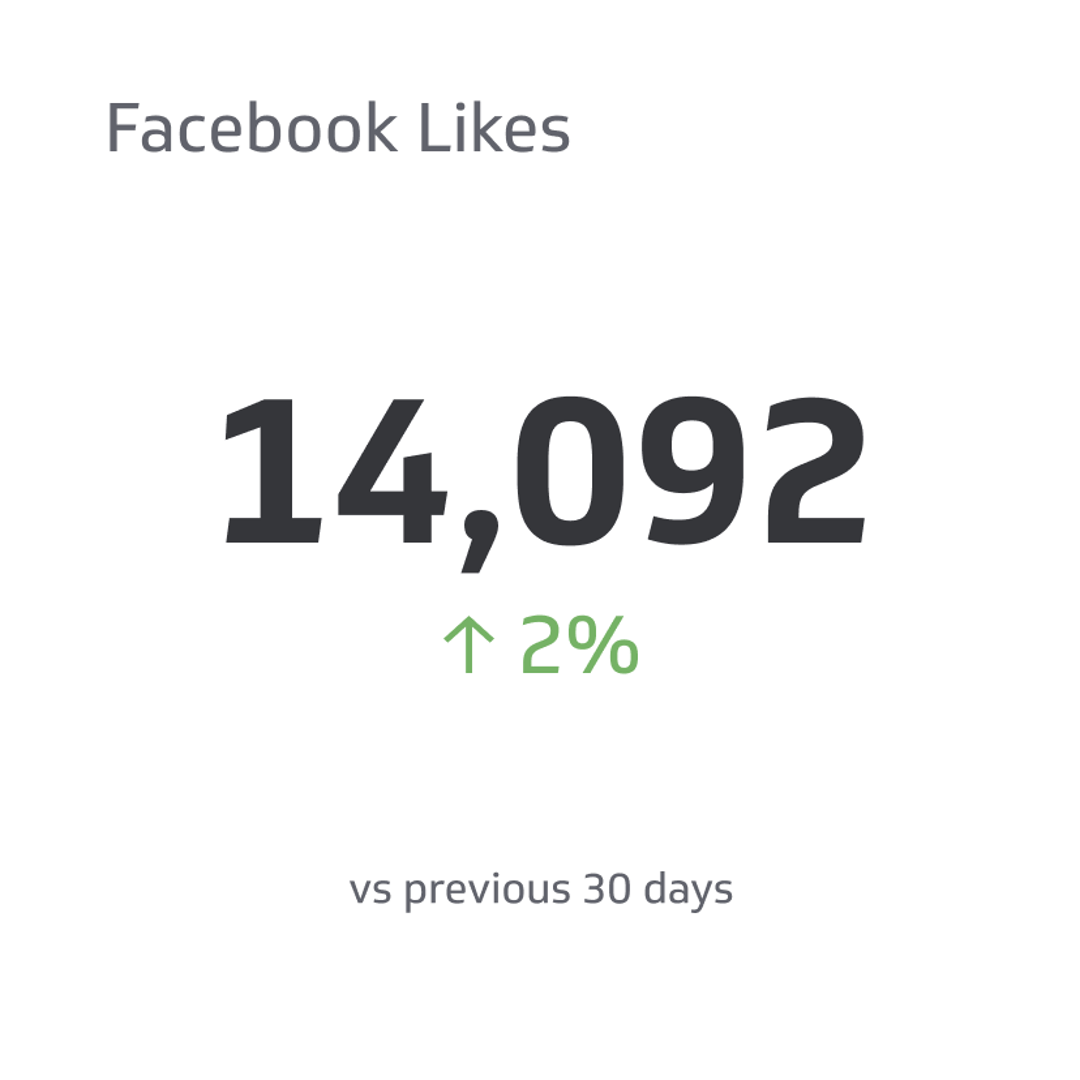
Facebook Likes measure the total number of Facebook accounts that have liked your Page. The count is a running total that signals how many people have chosen to follow your updates and see more from your brand. Likes are a basic visibility indicator. They do not guarantee reach on their own, yet they expand the pool of people who can see your posts, engage, and eventually become customers.
Why Facebook Likes matter
- Social proof: A healthy like count builds credibility when new visitors land on your Page.
- Audience growth: More Page likes grow your potential reach for organic and paid activity.
- Remarketing and lookalikes: A larger community helps you build stronger custom and lookalike audiences.
- Content feedback: Spikes in new likes often correlate with content or campaigns that resonate.
- Executive clarity: Simple, directional metric leaders can scan at a glance on a dashboard or wallboard.
Track Likes alongside engagement rate, post reach, and click-throughs to keep quality in view, not just volume. Growth without engagement signals misalignment between your audience and your content.
How to calculate Facebook Likes
Point-in-time total
Total Facebook Likes = Number of Facebook accounts that like your Page at the end of the period
This is the headline count most teams report. Pair it with trend lines for the last 13 months, quarter to date, and year to date.
Net new likes
Net New Likes = New Likes during period - Unlikes during period
Report net new alongside the total. It shows growth momentum and lets you compare campaigns on equal footing.
Like growth rate
Like Growth Rate (%) = (Net New Likes during period / Starting Likes for the period) x 100
Growth rate normalizes performance across Pages of different sizes, which is helpful when you benchmark markets or brands.
Example calculation
Your Page started the month with 8,000 likes. During the month, 620 people liked the Page and 140 unliked it. You finished with 8,480 likes.
- Net New Likes: 620 - 140 = 480
- Ending Total: 8,000 + 480 = 8,480
- Like Growth Rate: 480 / 8,000 x 100 = 6%
If you plot weekly numbers, you might see that a product demo video drove 60% of the month's growth in three days. That insight tells you what to make more of next month.
What is a good benchmark for Facebook Likes?
Benchmarks vary by industry, Page age, content cadence, and paid support. Use these guidelines to set practical targets:
- Early stage Pages (under 10,000 likes): Monthly growth of 2% to 8% is common when you publish consistently and run small paid boosts.
- Established Pages (10,000 to 100,000 likes): Expect 1% to 3% monthly growth with regular posting and periodic campaigns.
- Large Pages (100,000+ likes): Growth often slows to 0.5% to 2% monthly unless you invest in targeted acquisition.
These ranges are directional, not universal truths. Track your trailing 3-month median growth, compare similar markets, and adjust for seasonality. Most importantly, pair growth with engagement and conversion metrics. A 1.5% growth rate with rising engagement beats 4% growth driven entirely by untargeted paid acquisition.
How to improve Facebook Likes
- Dial in your audience: Clarify who you want to attract. Build personas and map content to their needs, questions, and jobs to be done.
- Post with a consistent rhythm: A simple, steady cadence beats bursts followed by silence. Aim for quality over quantity and keep a predictable schedule.
- Use creative that earns attention: Lead with a strong hook in the first three seconds of video. Use clear imagery and concise copy in static posts.
- Invite action: Ask viewers to like the Page for future updates. Keep the ask short and specific.
- Promote best performers: Put small budgets behind organic winners to extend reach to similar people.
- Reduce friction: Ensure your Page info, cover image, and About section are current. Broken details kill momentum.
- Cross-pollinate: Share top Facebook content in email, on your website, and across other channels with a simple "Follow us on Facebook" prompt.
How to monitor Facebook Likes in Klips
You can centralize Page data, calculate your key Like metrics, and share live dashboards across your team using Klips.
- Ingest data: Connect exports from Meta Business Suite, your social reporting spreadsheet, or a data warehouse table that captures daily totals, new likes, and unlikes.
- Model the measures: Build fields for Total Likes, New Likes, Unlikes, Net New Likes, and Like Growth Rate. Keep one row per day to support trends and seasonality views.
- Visualize clearly: Use a single value for current Total Likes, a line chart for 13-month trend, and a bar or column for weekly Net New Likes. Add a goal line to show the monthly target.
- Segment for insight: Break out paid-supported weeks versus organic only. Segment by campaign or content theme to see which topics correlate with growth.
- Distribute with control: Schedule weekly PDFs to the social team, keep a wallboard view for the office, and provide secure links for executives so everyone sees the same numbers.
Pair Likes with engagement-focused KPIs such as Facebook Engagement Rate and Post Engagement. That mix keeps you focused on building a community that interacts, not just a number that rises.
Reporting frequency
Weekly reporting keeps momentum without overreacting to day-to-day volatility. Maintain a monthly view for planning and a quarterly view for strategy.
Similar KPIs
Related Metrics & KPIs