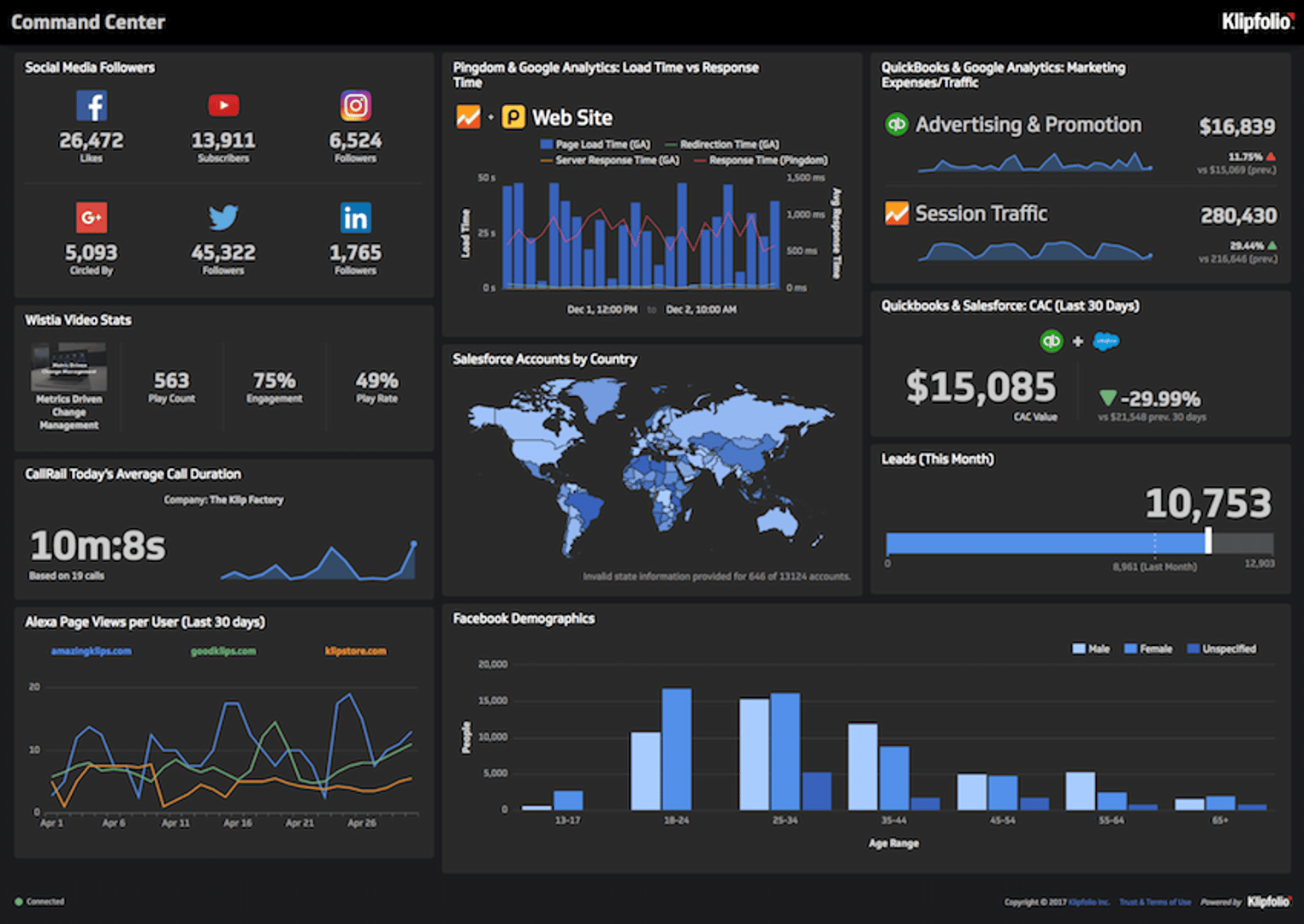

Summary - Discover the six dashboards Allan Wille, Klipfolio's CEO, uses daily to drive accountability and make faster decisions across every department. See real examples of executive, sales, marketing, support, product, and development dashboards.
Dashboard Software That Drives Real Action
To succeed, you need to create value and grow. But here's the challenge: in a fast-paced business, the environment is always shifting. You need to course-correct quickly, adjust products and campaigns, and make decisions based on real data insights. Yet simply making data available isn't enough. You need a culture where every team member tracks metrics they own, understands their impact, and feels accountable for results.
At Klipfolio, we've built this culture using dashboards. Everyone—from marketing to development to support—refers to dashboards throughout their day to stay on target. The most critical dashboards display on screens across our office, providing constant visibility into what matters most. This drives focus, motivation, and accountability. And when a metric shifts from healthy to concerning, we act immediately.
I want to share six dashboards my team and I use daily. While some are specific to SaaS businesses, most apply to any organization. Maybe they'll inspire you to build a data-driven culture in yours.
Dashboard #1: Executive overview
As CEO, I need a single view of all operational KPIs across every department. This dashboard gives me instant visibility into our progress toward key growth targets.
I track essential business metrics such as total accounts, monthly recurring revenue (MRR), MRR per account, lead-to-win rates, and retention. Each department contributes to these high-level goals through their own objectives:
- Marketing: Visitor and lead volume
- Sales: New customer wins and average MRR per account
- Product (UX): Active users and account retention
- Finance: Monthly burn rate
- Development: Product uptime and system performance
- Support: New and open support tickets
This dashboard serves as our north star. It keeps leadership aligned on what's working and what needs attention.
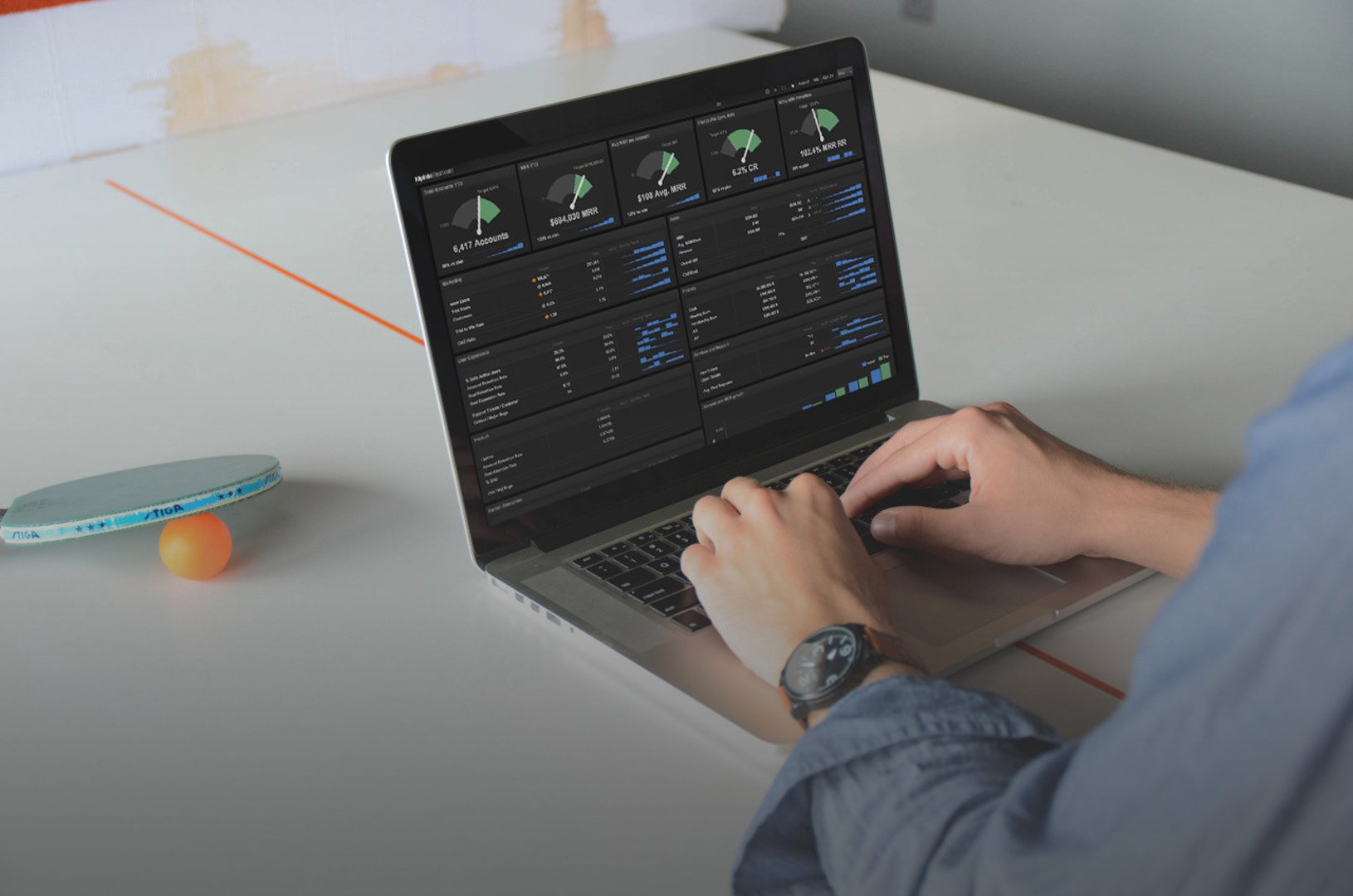
View the executive dashboard to see the metrics I monitor daily. Note: The data shown is sample data, not our actual performance.
Dashboard #2: Sales performance
Our sales model is straightforward: inbound, low average deal size, mostly credit card transactions, and occurring 24/7. Because of this, our sales dashboards track daily targets alongside monthly totals. When we fall short, the entire team investigates and fixes the issue immediately.
We rotate two dashboards on our sales team's wall display:
Current sales performance: Our Customer Success team uses this to track real-time sales activities and progress toward quota. It shows individual and team performance, daily bookings, and pipeline health.
Period sales performance: This dashboard reveals long-term trends, high-level business objectives, and deeper analysis of how we're acquiring and retaining accounts. It helps the team spot seasonal patterns and forecast future revenue.
We integrate Salesforce data directly into these dashboards, ensuring the numbers are always current and trustworthy.

Dashboard #3: Marketing campaigns and channels
Our marketing strategy evolves constantly. We test new channels, adopt new tools, and run campaigns across multiple platforms. This means our metrics pull data from many sources—paid search platforms, social networks, email providers, analytics tools, and more.
Because we integrate data from so many services, our dashboards automatically combine and calculate metrics across all channels. This gives us a unified view of what's working.
The marketing team rotates three dashboards:
Social media: Tracks engagement rates, click-through rates, and conversions from our social channels. The team uses this to optimize content and posting schedules.
Campaign performance: Shows paid search (PPC) and organic search performance side by side. Metrics include impressions, clicks, cost per click, and conversion rates. This dashboard helps us allocate budget to the highest-performing channels.
Lead generation: Since converting web visitors to free trial signups is critical to our growth, this dashboard tracks the entire funnel—website visitors, trial signups, trial-to-customer conversion, and cost per acquired customer. Marketing uses it daily to identify bottlenecks and test improvements.
Dashboard #4: Support quality and responsiveness
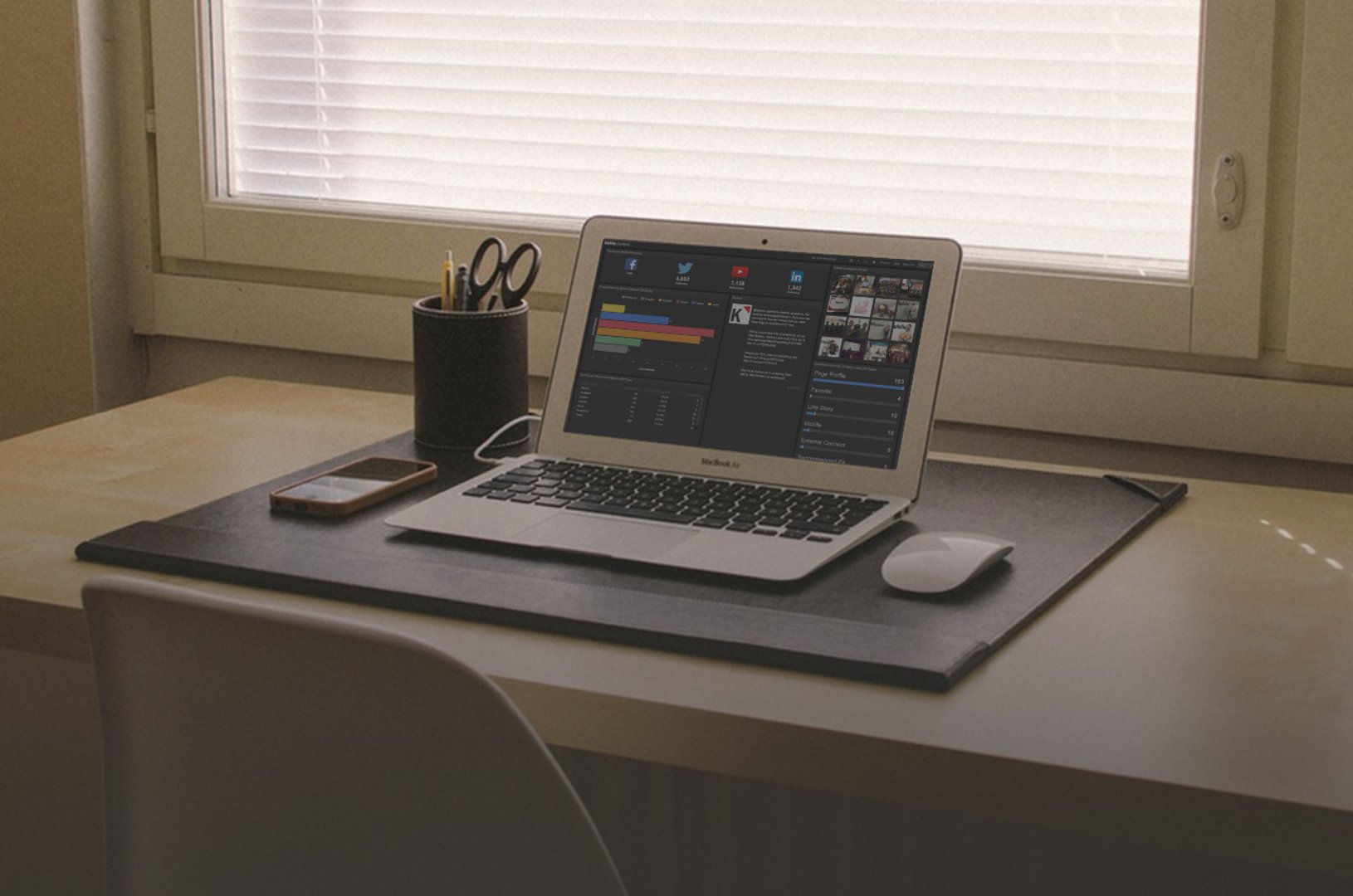
Our support team uses their dashboard to monitor daily ticket volume, response times, and documentation usage. By watching these metrics closely, they can see whether they're hitting response time targets, whether staffing is adequate, and which help articles are most valuable to customers.
The team monitors two key dashboards:
Support ticket and response: Tracks how quickly our team responds to customer tickets, average resolution time, and ticket volume by category. When response times slip, the dashboard alerts us so we can adjust staffing or prioritize urgent issues.
Documentation web analytics: Shows which help articles and training modules customers view most. High traffic to certain topics tells us where customers struggle, so we can improve those articles or add new content.
Dashboard #5: User experience and product adoption
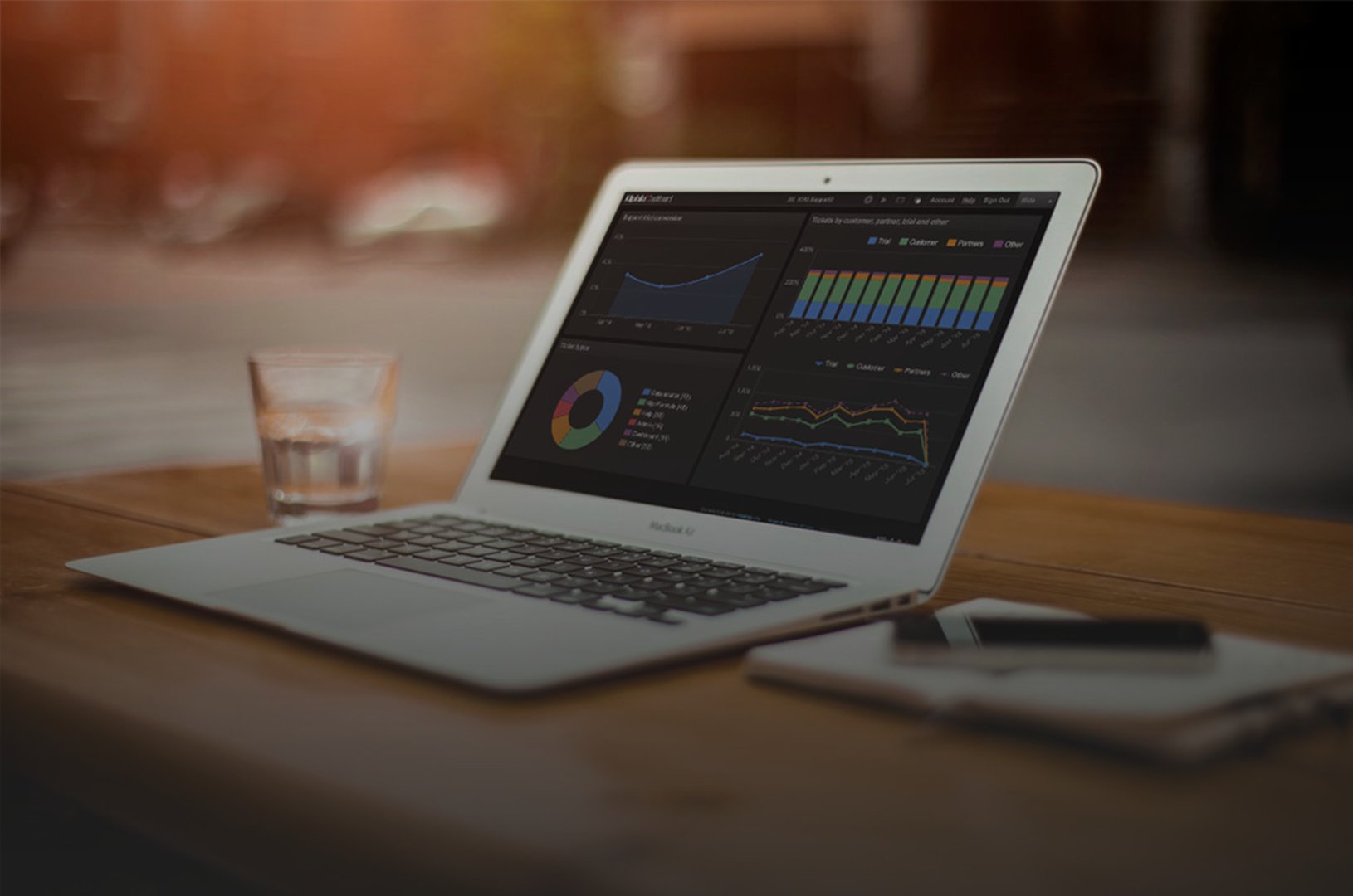
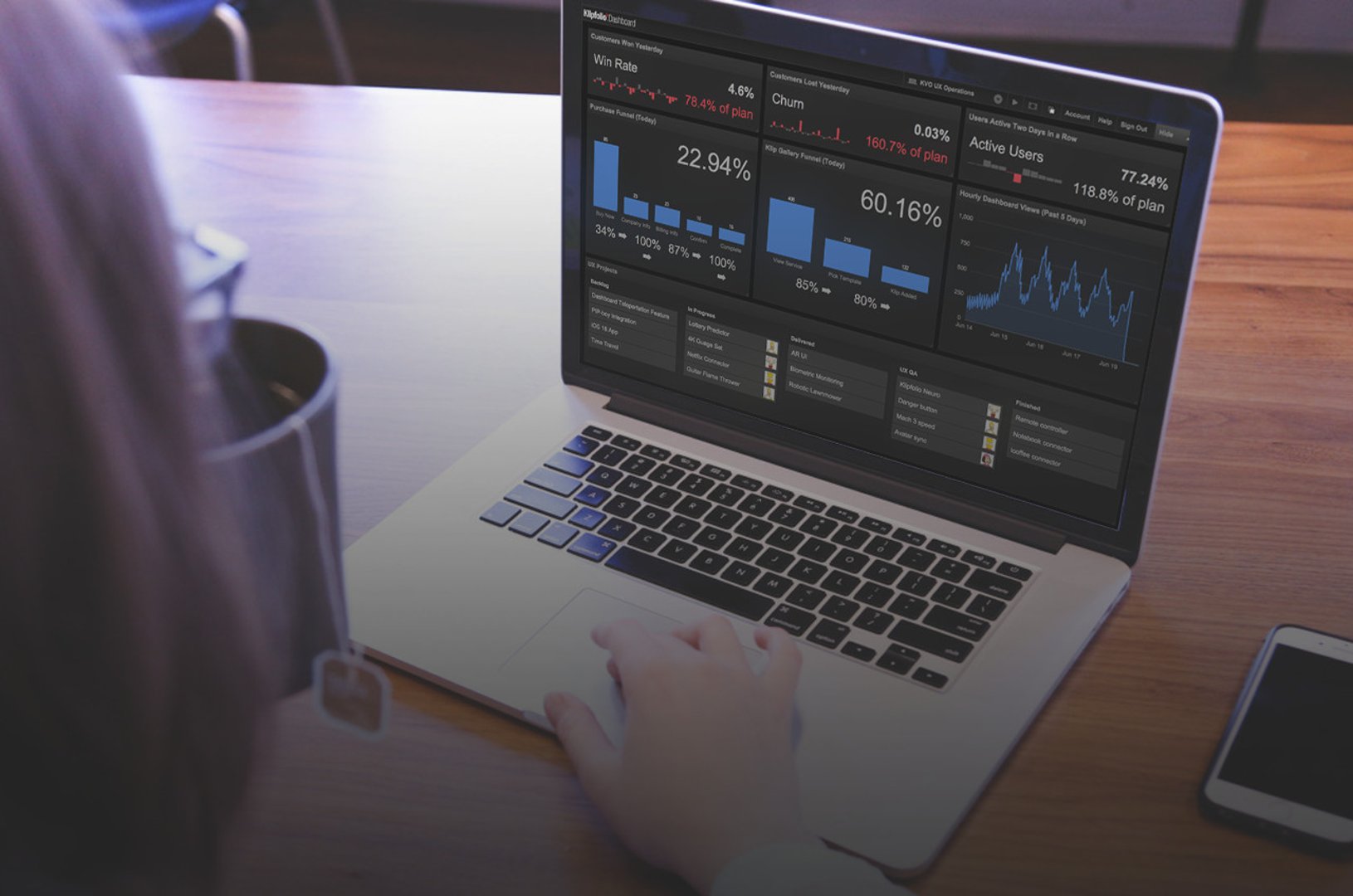
Our product team's dashboard helps them monitor and improve the user experience inside our application. Their goal is simple: provide customers and prospects with the best possible experience.
The UX dashboard tracks metrics daily and compares them against historical averages. This approach helps the team spot sudden changes or anomalies in user behaviour.
The team focuses on leading indicators:
- Daily active users: Shows whether more or fewer customers are using the product each day
- Key user journeys: Tracks whether users complete critical workflows like creating a dashboard, connecting a data source, or inviting team members
- Feature adoption: Monitors whether new features are being used and by how many customers
This dashboard is invaluable for aligning the product and UX teams around customer-facing improvements. Sometimes it flags immediate issues that need fixing. Other times it provides real-time context for strategic planning discussions.
Dashboard #6: Development velocity and system health
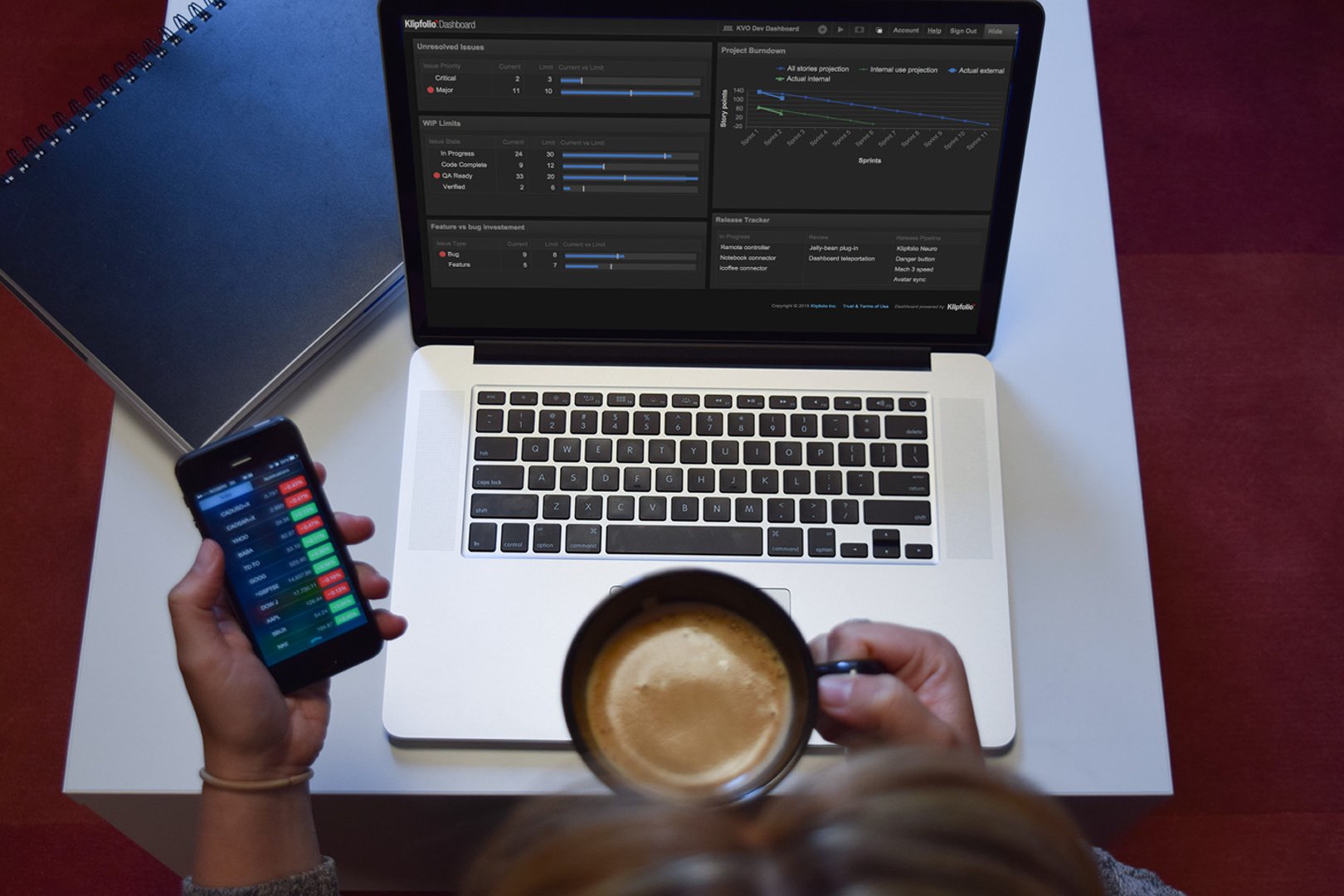
Our development team uses two dashboards: one to track project progress and team capacity, and another to monitor application performance and uptime.
Development work items: Shows the status of all issues and features in progress, the team's capacity across sprints, and completion rates. This helps the team forecast delivery dates and spot bottlenecks early.
DevOps performance: Monitors application uptime, response times, error rates, and infrastructure health. System uptime is one of the biggest drivers of customer satisfaction, so this dashboard gets constant attention. When performance dips, the team investigates immediately.
Your metrics will evolve—and that's okay
These dashboards didn't appear overnight. They've been refined over months and continue to evolve as our business changes. When we enter a new market, launch a new product, or shift our strategy, we adjust the dashboards to match.
The key is to start somewhere. Pick the metrics that matter most to your business right now. Build dashboards to track them. Share those dashboards with your team. Review them regularly. Iterate based on what you learn. Over time, you'll develop a data-driven culture where decisions happen faster and smarter.
I'd love to hear how your organization uses dashboards. If you track different metrics or have built something innovative, reach out and share your story.
Allan Wille is a co-founder of Klipfolio and its president and CEO. He's also a designer, a cyclist, a father, and a resolute optimist.
Related Articles

5 tips to understand (and organize) your restaurant data
By Saleem Khatri — June 9th, 2026
Business Metrics vs. KPIs: What’s the Difference?
By Jonathan Taylor — March 13th, 2026
What is a KPI, metric, or measure?
By Jonathan Taylor — January 20th, 2026