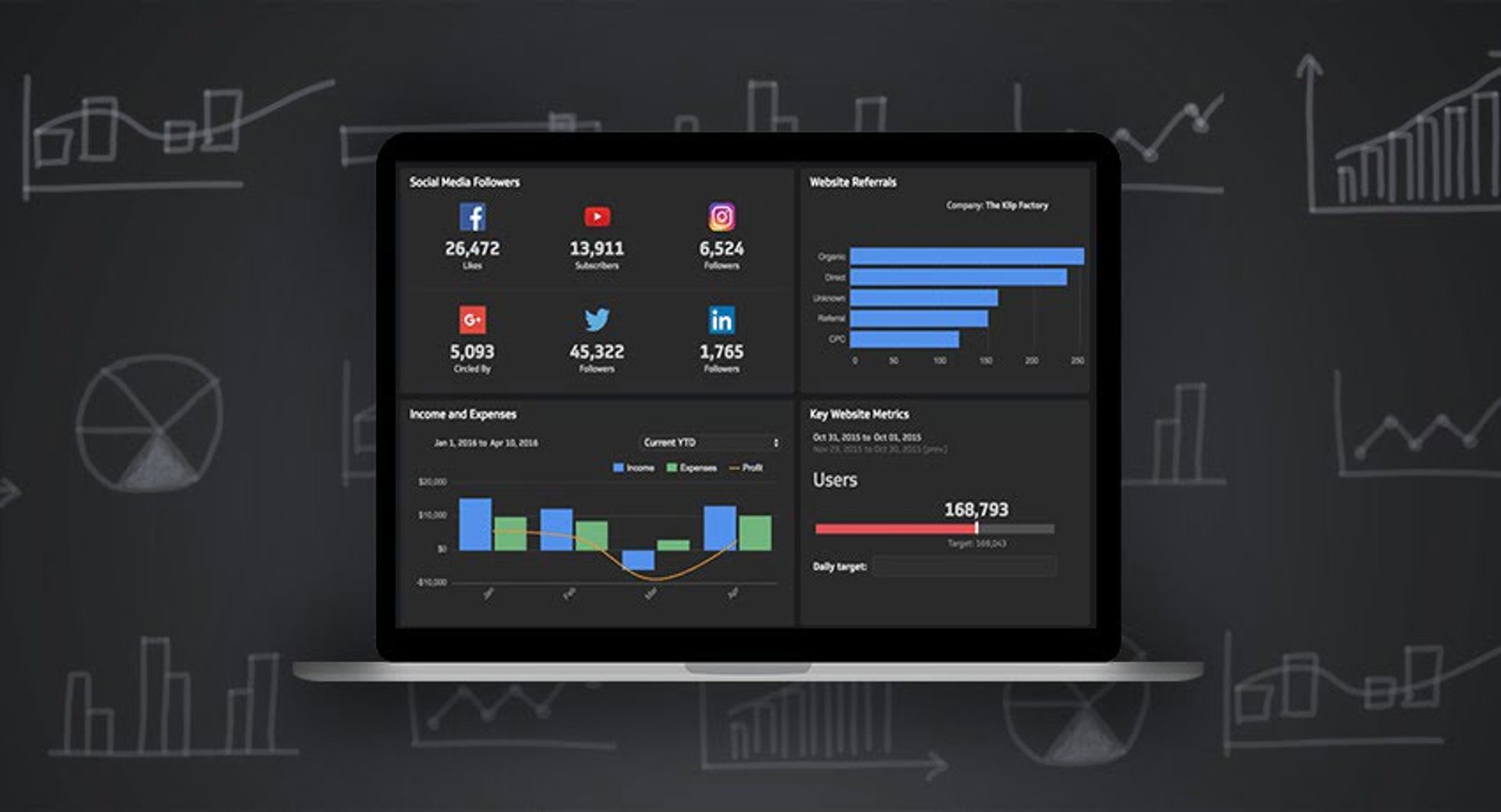

Summary - Restaurant data gives you powerful insight into how your business is performing. Follow these five tips to understand, organize, and act on your key metrics.
As a restaurant owner, you've got a lot on your plate. Between ensuring customer satisfaction, creating an efficient work environment, and running a tight operation, it can be difficult to make sense of restaurant data and act on it.
Businesses can't succeed without analyzing data. It's only when owners draw conclusions and make changes based on those analytics that they truly grow.
With the right technology in place, you'll be well on your way to making sense of this data and putting it to good use. This guide walks you through five major steps for understanding and organizing your restaurant metrics:
Start with a comprehensive POS system
Track individual customer data
Consistently monitor front-of-house data
Analyze financial and inventory data
Use data for better management
Once you understand this data and organize it clearly, you'll be able to make positive changes that boost both customer and employee satisfaction.
1. Start with a comprehensive POS system
Before you can gather data, you need an intuitive point-of-sale (POS) system. Beyond accepting payments, a good POS system collects information that helps you understand your restaurant as a whole.
Before investing in a new system, or evaluating your current one, ask a few questions about its features:
Is it mobile? If you haven't made the switch from a legacy system, consider moving to a mobile point-of-purchase system. Legacy systems rely on one or two fixed terminals, while mobile systems allow multiple devices to accept payments, track orders, and more.
Can it collect the data you need? All POS systems process payments, but not all track deeper analytics. Monitoring key performance indicators is central to your restaurant's growth strategy. Your POS system should display this data clearly and visually. The sections below cover the specific data worth gathering.
Is it secure? Data you can't protect is data you can't trust. Look for security features like EMV chip reader support for card payments. A breach that exposes customer information will cost you far more than a system upgrade.
Take time to research your options. To learn more about what POS features to look for, visit Lavu's comparative buyer's guide.
2. Track individual customer data
Customer data is essential to your restaurant's growth. It's also straightforward to collect. Some of the information worth gathering includes:
Names so you can recognize repeat visitors
Phone numbers and email addresses — offer a coupon in exchange for sharing this information
Home addresses to send coupons and updates to customers who prefer mail
Birthdays so you can reward them with a complimentary meal
Food allergies so your kitchen knows what to avoid
Favourite dishes so servers can make personalized recommendations
Not all of these are essential, but they're effective ways to get to know your customers. Customers are the foundation of your restaurant, and keeping them coming back depends on how well you know them.
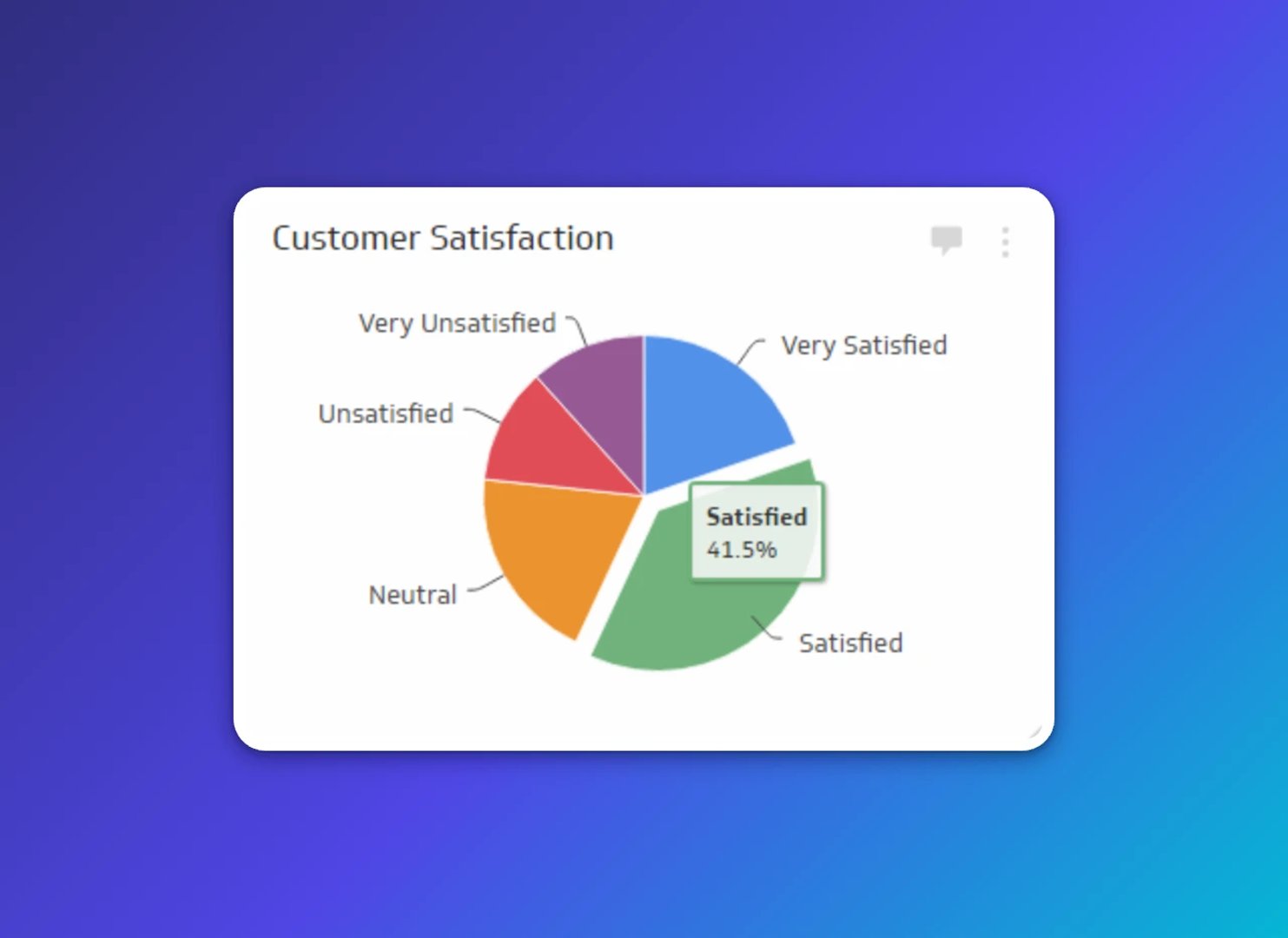
How to organize this data
Not all POS systems retain customer data beyond a single transaction. Confirm yours does before relying on it. If not, explore third-party database options.
Create individual customer profiles that guests can update online — for example, if they move and need to change their address. Profiles make it easier for both customers and staff to access information quickly. This data isn't complicated to manage, but it's valuable for building customer relationships and giving people a reason to return.
3. Consistently monitor front-of-house data
Front-of-house (FOH) data is about the customer experience. Once you know who your customers are, you need to ensure they have a great time when they visit. To assess FOH efficiency, track the following:
Wait time — how long a particular party size waits to be seated
Turnaround time — how many parties are served during a set period
Average party size — the typical size of a visiting group
Average guest count — how many guests you serve at a given time on average
Seating efficiency — how well you're using available seating capacity
Monitoring these metrics helps you identify gaps in your guest management strategy and supports a more efficient workflow.
How to organize this data
Without technology, these metrics take real effort to calculate. An automated system that factors in historical data and current table statuses will let you act on this information in real time.
A capable POS system stores and organizes this data in a format that works for each role. Hosts need immediate access to wait times and seating efficiency so they can relay accurate information to arriving guests. For additional help with seating, look into table management technology.
4. Analyze financial and inventory data
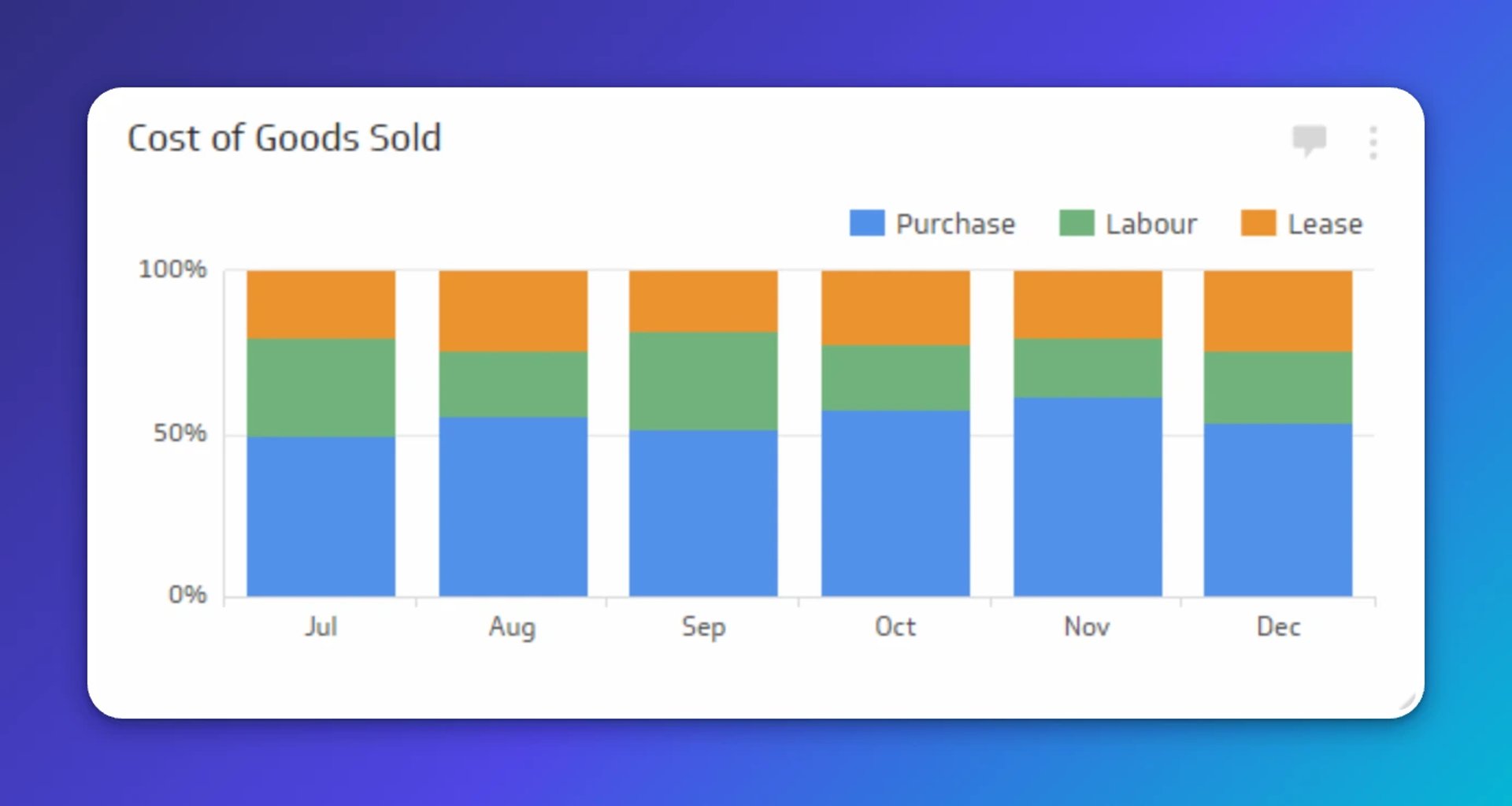
Financial data tells you how much you spend, how much you earn, and how well you use your inventory. Managing this data helps your restaurant make the most of its resources. Key metrics to track include:
Payroll and utilities — recurring operational costs like wages, utilities, and rent
Menu item sales — the number of each menu item sold
Food cost — how much you've spent on particular ingredients or dishes
Total food cost — overall food spend, calculated by multiplying individual item costs by units sold
Total menu sales — total revenue generated from food
Number sold — volume of each menu item sold over a given period
Without this data, you can't accurately assess how profitable your restaurant is. Once you start tracking, you can make budget adjustments, improve your menu item by item, and save your team time on accounting.
How to organize this data
Tracking these metrics manually is time-consuming. Inventory management software can handle inventory levels, pricing, and reordering. Restaurant-specific software can also track staff scheduling, payroll, and other expenses.
With a mobile system, you can review this data anywhere — so you always know where you stand financially, even when you're away from the restaurant.
5. Use data for better management
Once you've gathered and organized your data, use it to improve how you run your restaurant day to day. This is how you improve both employee retention and customer satisfaction over time. Start by applying your data to these three areas:
Shift scheduling. FOH metrics reveal your peak and slow periods, so you can schedule staff accordingly. Restaurants typically see a surge on Friday evenings — you don't want to be understaffed when it matters most.
Inventory ordering. Comparing average inventory levels to peak-period demand helps you predict what to order and when. You'll avoid running out of key ingredients and stop overstocking items that go to waste.
Order tickets. A capable POS system gives you live data on order tickets, improving communication between servers and the kitchen. Instant updates reduce the simple errors that lead to incorrect orders and unhappy guests.
These are a few examples of the changes data can drive. What you track, how you organize it, and what you do with it is your call. The key is to monitor your progress over time, note what changes you made and why, and keep refining your approach.
For tips on bringing in new customers once you've started acting on your restaurant data, check out Swoop's article on customer acquisition.
Why restaurant data matters
Restaurant data is vital to running a healthy operation. It gives you clear insight into how your business is performing and where it can improve. These metrics won't help if they're scattered across systems or too hard to read quickly.
A secure, well-integrated POS system is the foundation. From there, tracking customer profiles, FOH performance, and financial data gives you a complete picture of your restaurant. When you act on that picture consistently, your employees, your customers, and your bottom line all benefit.
Related Articles
6 dashboards I use daily to run my SaaS company
By Allan Wille, Co-Founder — April 10th, 2026
Business Metrics vs. KPIs: What’s the Difference?
By Jonathan Taylor — March 13th, 2026
Anatomy of a great API
By Danielle Hodgson — January 21st, 2026