
Summary - Track impressions, clicks, cost per click, click-through rate, and conversions to measure your PPC campaign performance. Learn which metrics matter most and how to monitor them in one dashboard.
Digital advertising is a proven acquisition channel for marketing teams everywhere—but only when you measure what matters.
While digital advertising varies across platforms, the goal is consistent:
- Serve your ad to your target audience
- Drive users to click through to your website
- Encourage users to take action (purchase, start a trial, complete a form)
- Achieve this cost-effectively
Google Ads is a pay-per-click (PPC) platform where you control budget allocation based on campaign type. But without the right metrics, you won't know whether your spending is working.
This guide covers the five Google Ads metrics every marketer should track to measure PPC campaign performance—and how to monitor them all in one place using a Klips dashboard.
Top 5 Google Ads metrics to measure your performance
Track these metrics regardless of your bidding strategy. Your focus may shift based on campaign goals, but monitoring all five gives you a complete performance picture.
1. Ad impressions
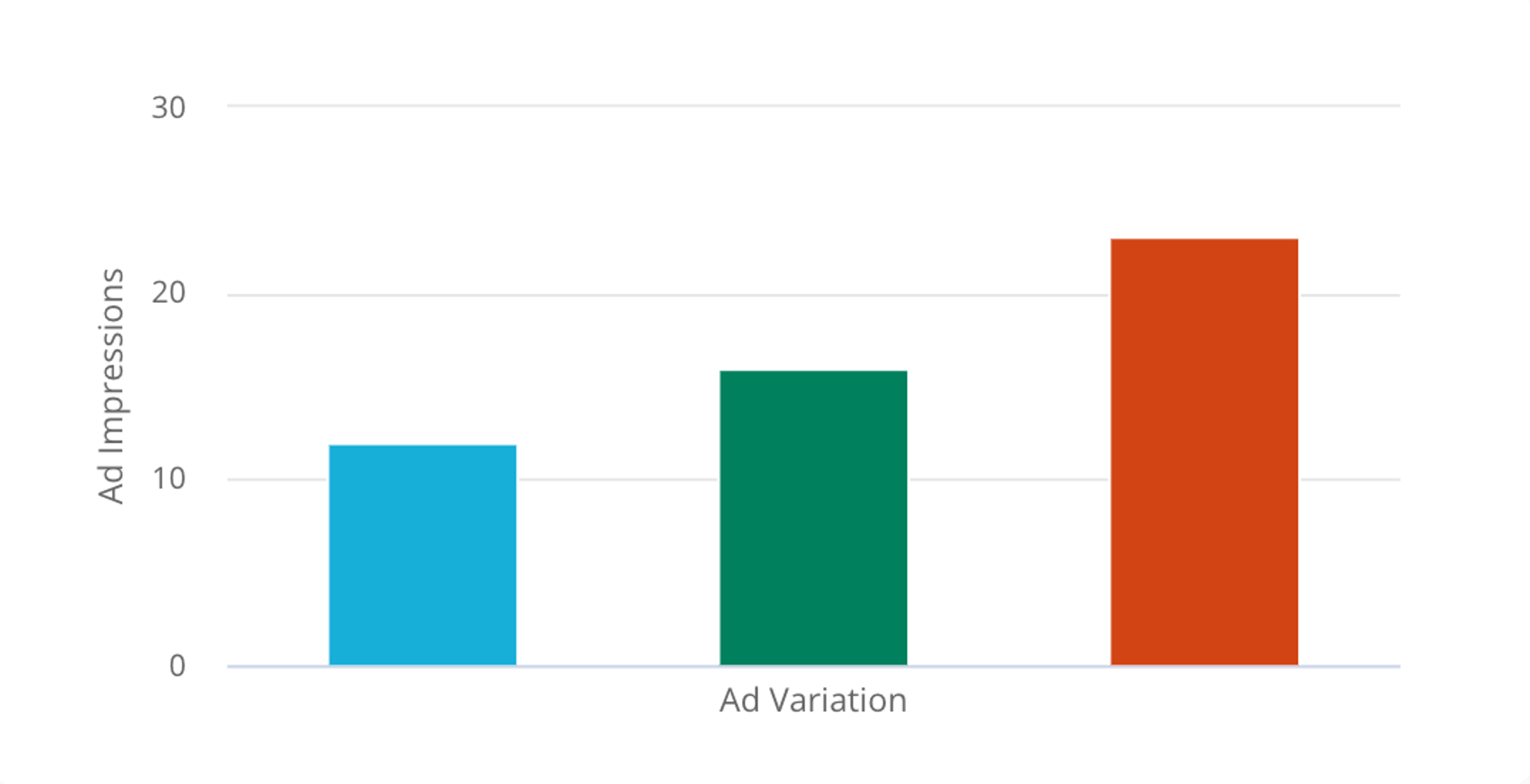
Impressions are the total number of times your ad appears on screen. Getting your ad in front of the right people is the first step in digital advertising.
Track impressions for two reasons. First, you can segment impressions by campaign group to identify which message or creative variation resonates best. Second, higher impressions correlate with higher click likelihood. If you're using a Search Ads bidding strategy tied to brand awareness or visibility, impressions become your primary success metric. Learn more about ad impressions.
2. Ad clicks
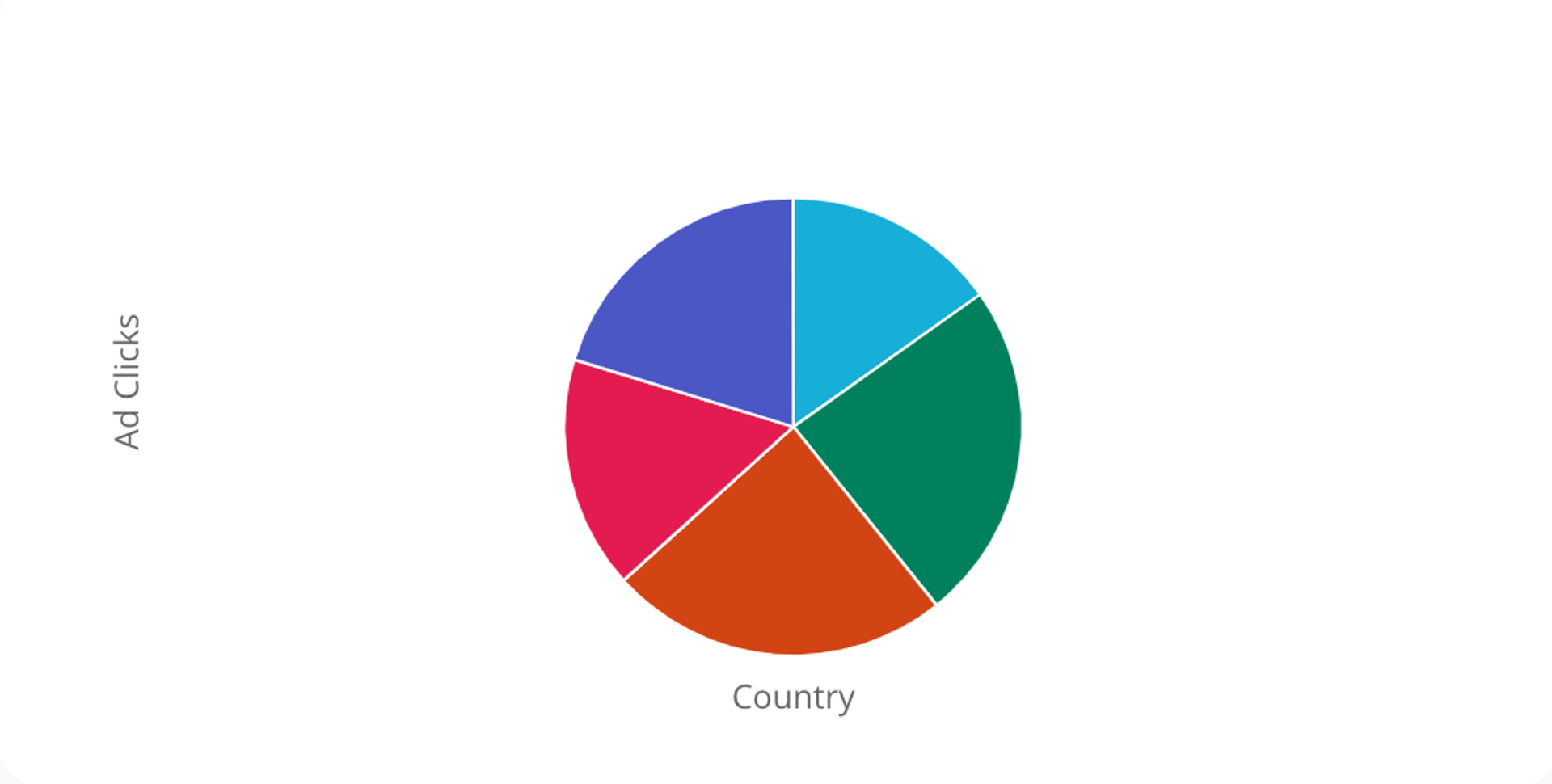
Clicks measure how many users actually engage with your ad by clicking through to your website or landing page. If your campaign goal is driving traffic, clicks are the right bidding strategy—and a critical metric to track across search and display networks.
Like impressions, clicks are segmented by campaign group, so you can quickly identify top-performing ads and spot underperformers. Higher clicks typically lead to more conversions. Explore ad click metrics to understand which ads drive the most engagement.
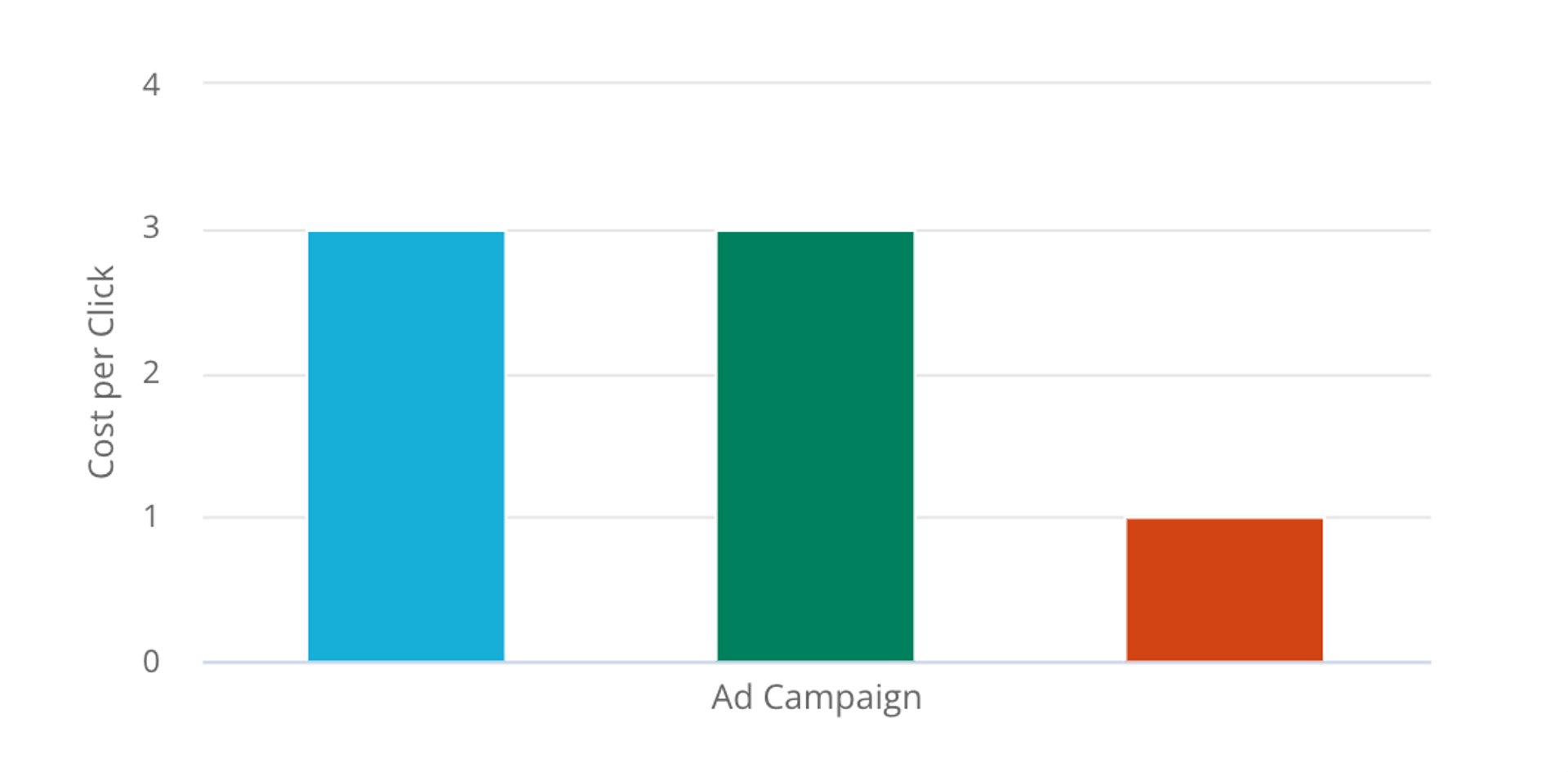
3. Cost per click
Cost per click (CPC) is the amount you pay each time someone clicks your ad. Since your budget depends on it, monitoring CPC is non-negotiable.
Google Ads operates on a bidding system where CPC varies by industry and keyword competitiveness. WordStream's benchmarks show that CPC fluctuates significantly across sectors. If you're using the display network with an impressions goal, your cost is measured differently—as cost per thousand impressions (CPM)—rather than per click. Understanding your CPC helps you allocate budget more strategically. Review cost-per-click benchmarks.
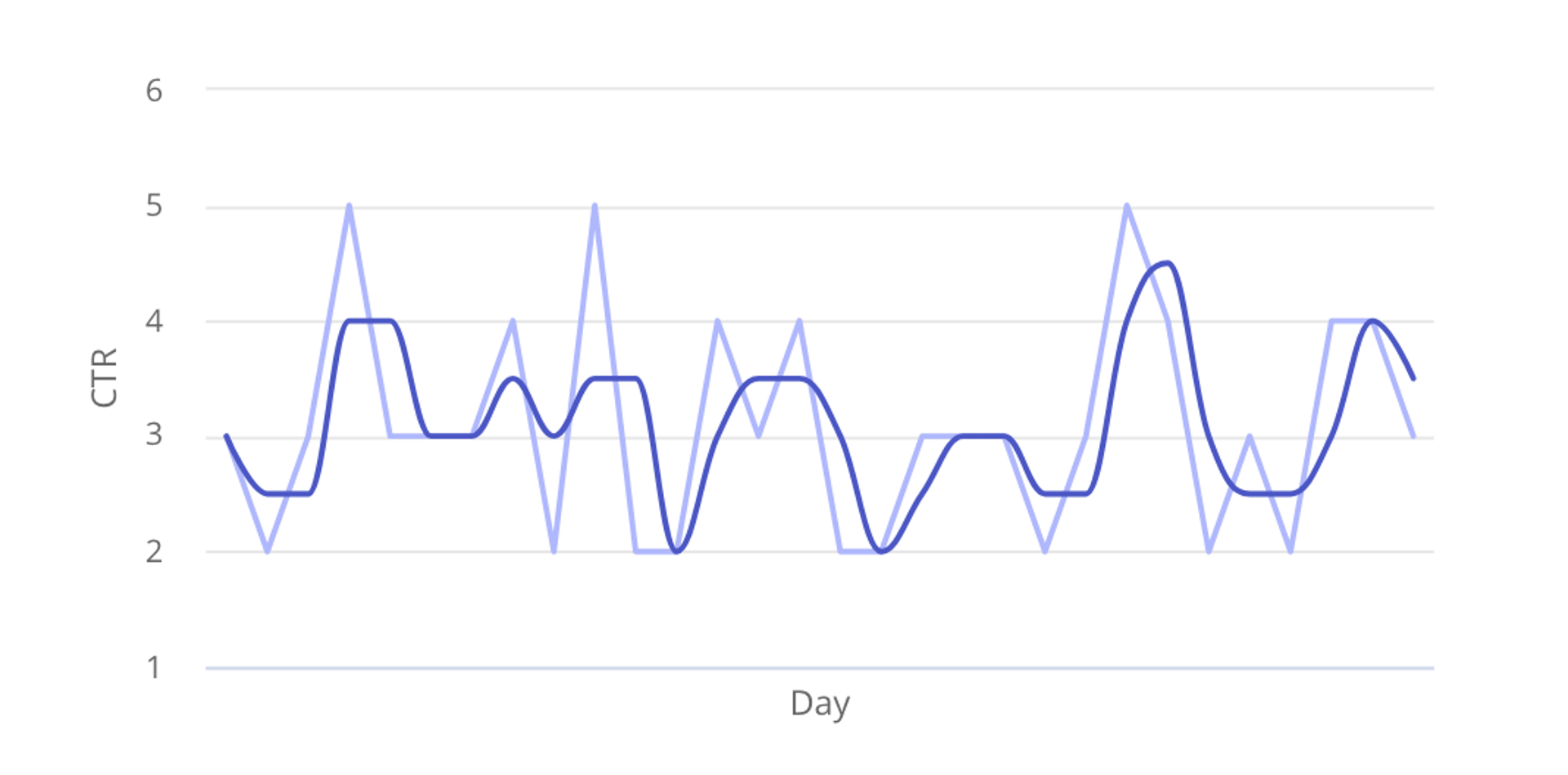
4. Click-through rate (CTR)
Click-through rate is the percentage of people who see your ad and click it. While clicks tell you volume, CTR reveals quality—how compelling your ad is relative to impressions.
CTR is tracked per ad, making it an excellent diagnostic tool. Use it to identify which ads or keywords perform well and where improvement is needed. According to WordStream, the average CTR across all industries is 3.17% for search and 0.46% for display. If your CTR lags behind these benchmarks, test new ad copy, keywords, or targeting.
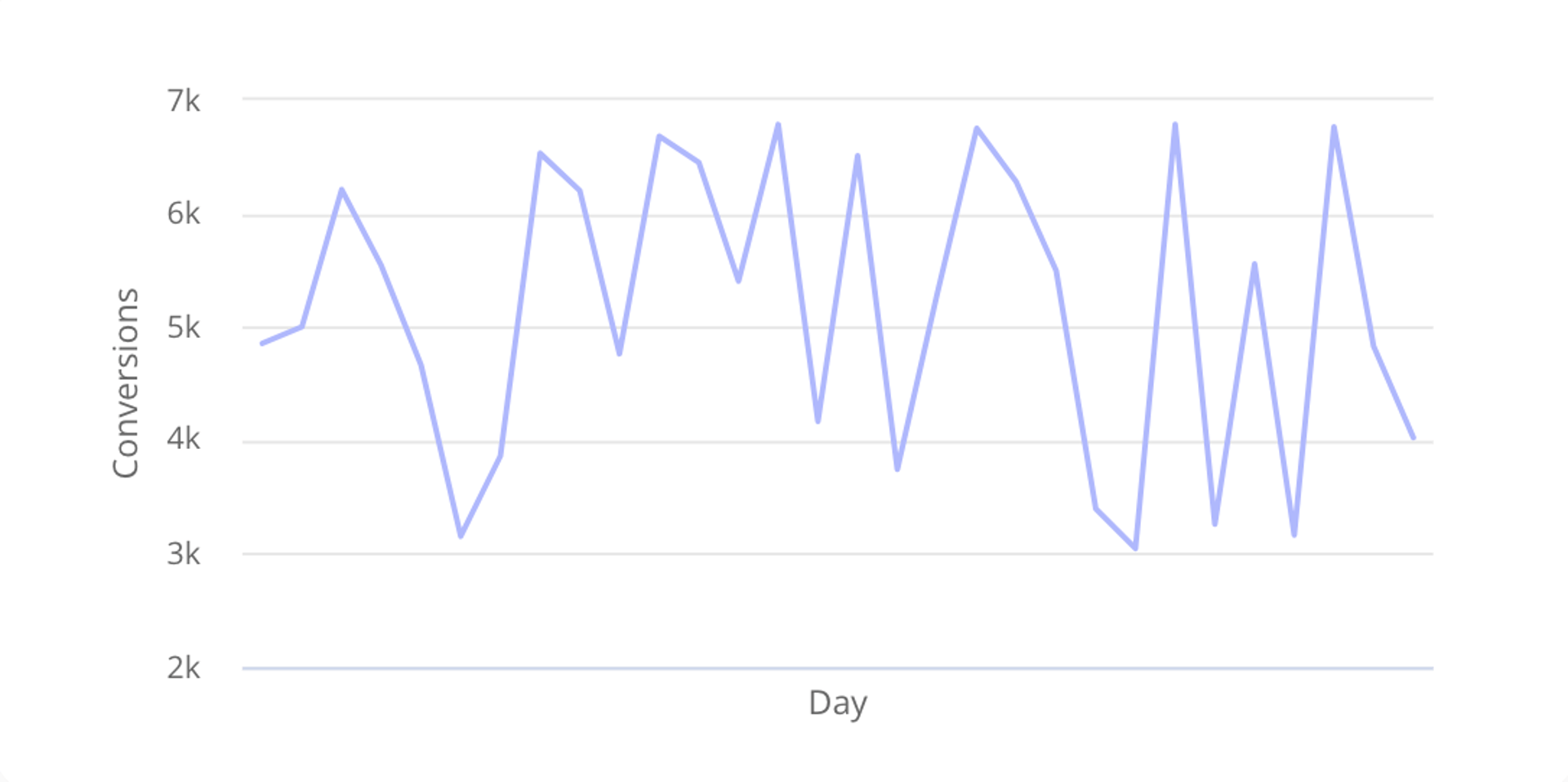
5. Conversions
Conversions answer the ultimate question: are users taking the action you want? Whether that's a purchase, trial signup, or form completion, conversions measure campaign success.
Google Ads conversion tracking shows what happens after a user interacts with your ad. Use this data to segment performance by keyword, ad, ad group, or campaign—then double down on what works. According to WordStream, the average conversion rate is 3.75% for search and 0.77% for display. Since conversions directly drive revenue, ensure your tracking is properly configured so you can refine your strategy.
Bonus metric: Return on ad spend (ROAS)
Return on ad spend quantifies the revenue generated for every dollar spent on advertising. ROAS reveals which ads deliver the best return and which ones need budget reallocation or pausing. This metric ties spending directly to revenue, making it invaluable for strategic budget decisions.
Track all your Google Ads metrics in one dashboard
Monitoring five metrics across multiple campaigns is overwhelming in Google Ads alone. A Klips dashboard centralizes all your Google Ads data in one place, updating automatically so you always have current information for decision-making.
Instead of toggling between reports, build a dashboard that displays impressions, clicks, CPC, CTR, and conversions side by side. Add filters by campaign, date range, or network type. Share the dashboard with your team so everyone stays aligned on performance. Automated refresh ensures your data is always fresh, so you can spot trends and react quickly.
The result? Smarter spending, faster optimization, and better ROI.
Related Articles

5 tips to understand (and organize) your restaurant data
By Saleem Khatri — June 9th, 2026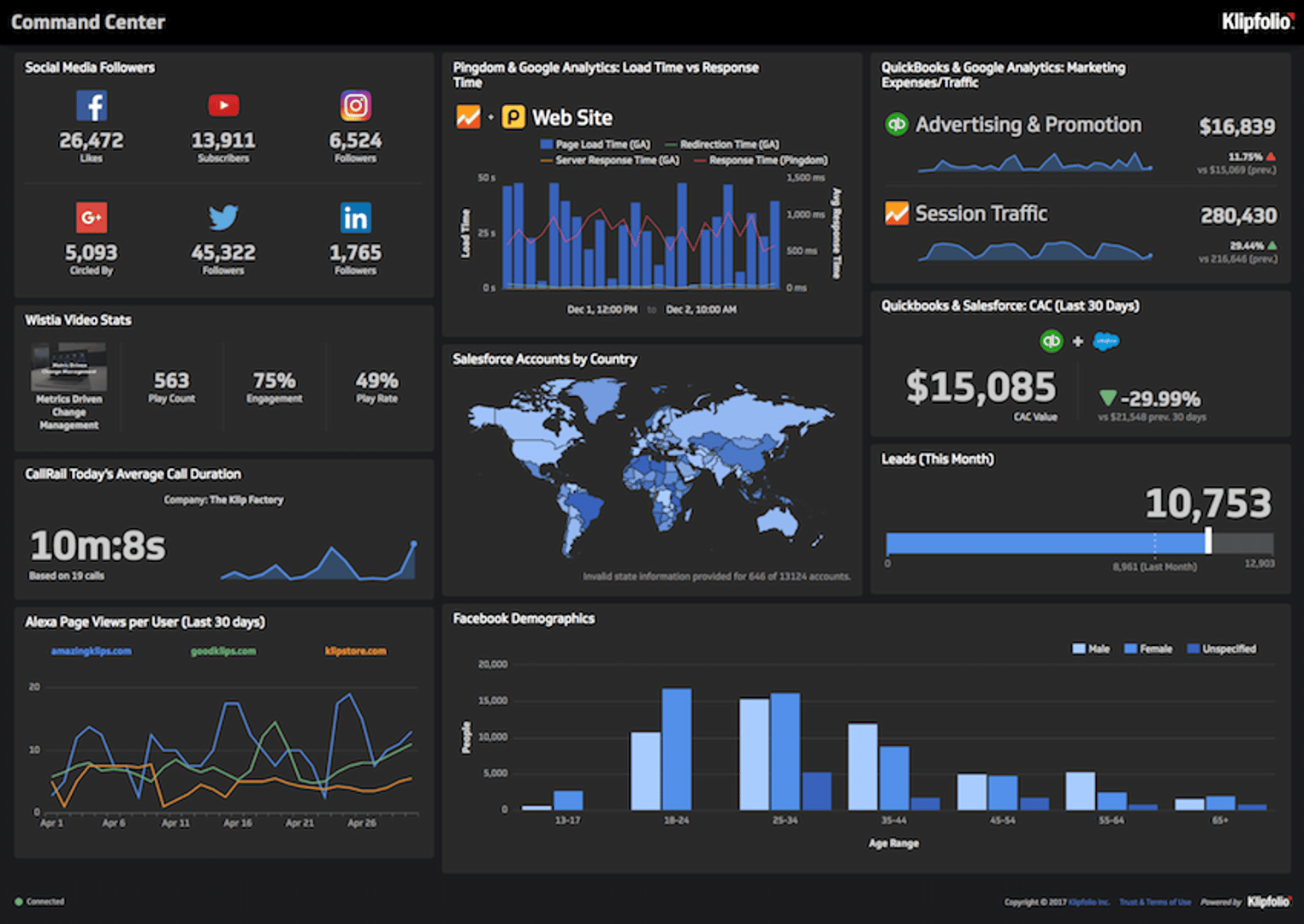
6 dashboards I use daily to run my SaaS company
By Allan Wille, Co-Founder — April 10th, 2026
Business Metrics vs. KPIs: What’s the Difference?
By Jonathan Taylor — March 13th, 2026