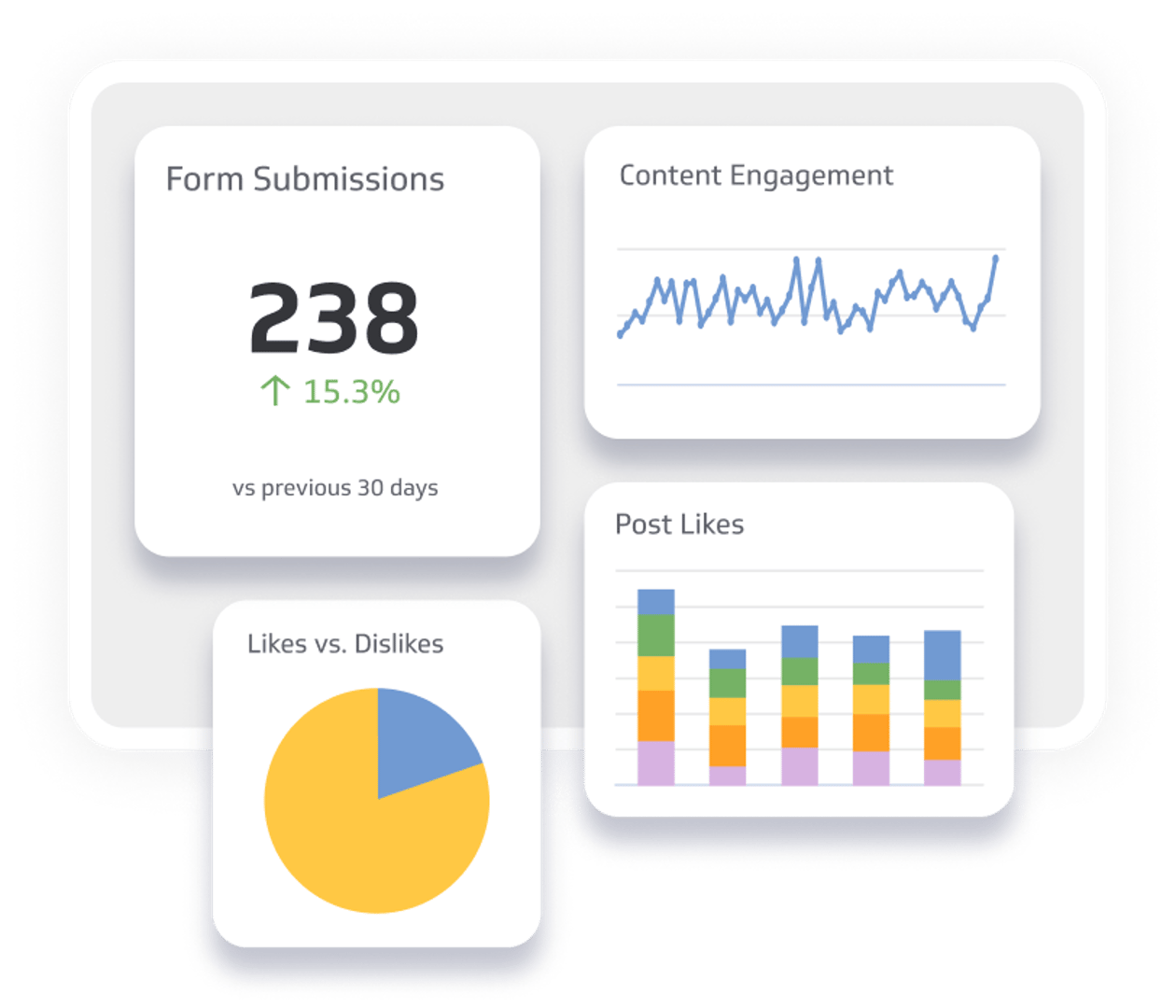

Summary - Master SaaS support with metrics that matter. Learn which KPIs to track at every level, from individual agents to business leaders, to reduce churn and improve customer satisfaction. Includes role-specific metric tables and guidance on building a data-driven support culture.
Delivering world-class SaaS support starts with knowing what to measure. This guide covers the support metrics that matter most, organized by role, so every level of your team knows what to watch and why.
The challenge isn't data. Most support platforms generate plenty of it. The challenge is knowing which numbers actually tell you something useful, and which just add noise.
This guide gives you a definitive list of support metrics for SaaS teams, whether you use chat, email, phone, or a mix. Each section is tailored to a specific role, from individual agents to business leaders. Where relevant, we've included example dashboards built with Klips to show how these metrics work in practice.
Why support metrics matter: the churn problem
Most SaaS companies face a churn problem. A customer signs up enthusiastic, hits a wall, doesn't get the help they need, and quietly moves on. By the time you notice, they're already gone.
Research suggests 5 to 7% annual churn is acceptable. Yet 70% of SaaS providers operate at much higher rates, which represents a significant and largely preventable revenue loss.
The fix isn't always the product. Often, it's the support experience. Customers who feel supported stay longer, spend more, and refer others. Customers who feel ignored or frustrated don't.
You can't improve what you can't see. The right metrics make the invisible visible: where your support team is winning, where it's struggling, and where a customer is quietly becoming a churn risk before they say a word.
Six reasons customers leave (and what data can do about it)
Understanding why customers churn is the first step to stopping it. These six patterns show up repeatedly:
Poor support for initial goal achievement. If a client can't resolve their core issue quickly, they're unlikely to stick around. Speed and first-contact resolution matter more than most teams realize.
Poor follow-up. SaaS products require ongoing support to stay valuable. Without active follow-up, you miss the chance to catch dissatisfaction before it becomes a decision to cancel.
More attractive competitor offers. You can't control what competitors do. You can control how reliably your team shows up for customers, which often matters more than features.
Losing key clients. Influential clients have outsized impact. When they leave, others sometimes follow. Knowing who your high-value accounts are, and how they're feeling, gives you a chance to act early.
Inadequate product features. Support teams surface this signal first. Tracking what customers ask about most frequently tells your product team where the gaps are.
Mismatched support style. Different clients need different approaches. Client-level metrics help you tailor your support to the people who actually need it.
The common thread: all of these are knowable in advance. Data doesn't just explain churn after the fact. It gives you the chance to prevent it.
How to structure your support metrics
Support metrics work best when they're organized by role. An agent needs to know how their individual performance stacks up. A team leader needs to see queue depth and coverage gaps in real time. A VP of Customer Success needs trend data to make staffing and investment decisions.
The sections below cover five levels: agent, team, management, client, and business impact. Each level gets the visibility it needs without drowning in data that belongs to someone else.
Klips connects directly to common support platforms like Zendesk, Salesforce Service Cloud, and Intercom, so you can pull these metrics into role-specific dashboards without anyone having to copy numbers into a spreadsheet or explain their business to a tool from scratch.
Agent-level metrics
These metrics are owned and tracked by individual agents. They reflect performance the agent directly controls.
| Metric | Description |
|---|---|
| Chats Completed | Number of chats handled by the agent |
| Customer Satisfaction Score | Score from post-chat surveys sent to customers |
| Internal QA Score | Quality score assigned by internal staff |
| Handle Time | Average duration per chat |
| Open Tickets | Number of unresolved tickets the agent owns |
| Ticket Open Time | Average days a ticket remains open |
Agent-level metrics create accountability and help identify top performers. They also flag agents who may need coaching before small performance gaps become bigger problems. When agents can see their own numbers, and watch them improve, engagement tends to follow.
Team-level metrics
A typical team leader manages 7 to 10 agents. These metrics help team leaders track collective performance, spot coverage gaps, and act before queue depth gets out of hand.
| Metric | Description |
|---|---|
| Chats per Hour | Chat volume per hour, broken down by agent |
| Handle Time for Team | Average chat duration across all agents and per agent |
| Utilization | Average percentage of time agents are online and active |
| Customer Satisfaction Score | Average score from post-chat surveys |
| Current Queue | Number of customers waiting for support |
| Highest Wait Time | Longest wait time in the current queue |
| Agents Available | Number of agents online and ready |
| Agents Away | Number of agents online but unavailable |
| New Tickets Created | Tickets opened that day |
| Tickets Still to be Closed | Open ticket backlog |
| Average Response Time | Time to first response on tickets |
| Average First Reply Time | Percentage of issues resolved on first contact |
| Chat Quality Score | Quality score from internal review |
| Agent Usage by Status | Time breakdown: online, meetings, coaching, breaks |
Team metrics let leaders spot bottlenecks (high queue depth, long wait times) and resource gaps (agents away, low utilization) in real time, not after the fact. They also reveal which agents are ready for mentoring roles and which need more support.
Management-level metrics
Operations managers, directors of Customer Success, and VPs of Customer Success track these metrics weekly or monthly to oversee the full support operation.
| Metric | Description |
|---|---|
| Chats Presented | Total chat volume by month, last 6 months |
| Average Speed of Answer | Average time to first response, by month, last 6 months |
| Customer Satisfaction Scores | Average CSAT by month, last 6 months |
| Handle Time for Team | Average chat duration across all agents, last 6 months |
| Cost per Chat | Total support department expense divided by chat count, by month, last 6 months |
Management metrics reveal trends. Is support quality improving or declining? Are staffing levels keeping pace with demand? Is spend going up while satisfaction stays flat?
Cost per Chat is especially useful because it connects financial data to performance. It answers the question every leader eventually asks: are we getting better results for what we're spending?
Client-level metrics
Beyond operational metrics, tracking customer-specific data helps you identify at-risk clients before they churn and find opportunities to deepen relationships with your best accounts. Review these weekly:
- Which clients used chat more than three times this month?
- Which clients gave low satisfaction scores (detractors) three or more times in the last 60 days?
- Which clients gave high satisfaction scores (promoters) three or more times in the last 60 days?
- What questions did customers ask most frequently?
- What were the top five reasons customers sought support?
- What topics are trending month to month?
- Which clients use chat support most frequently?
- When did your team offer proactive support (outreach, check-ins)?
Follow up personally with detractors to resolve issues. Thank promoters for their loyalty. Reach out to high-frequency users to make sure they're getting full value from the product. These small, targeted actions, guided by data, are what separate reactive support from proactive support.
Business-impact metrics
These metrics connect support quality to revenue and retention, making the business case for support investment clear:
- Average lifetime value for chat-using clients: Are customers who use support worth more over time?
- Average health score for chat-using clients: Are supported customers healthier accounts overall?
If the answer to both is yes, and it usually is, that's a strong signal to invest in support quality rather than cut it. These numbers give leaders the confidence to make that call.
Building a data-driven support culture
Implementing these metrics takes time and commitment. The payoff is a team that knows what's working, catches problems early, and makes decisions based on what the data actually says, not what someone thinks they remember from last quarter.
Start by sharing this list with your data team. Ask them to build a blueprint that covers:
- Which metrics to track at each role level
- How to extract them from your existing support platform
- How often to refresh the data (daily for agent and team metrics; weekly or monthly for management and client views)
- How to display results so each role sees what's relevant to them
Klips makes this straightforward. Connect your support platform directly, build role-specific dashboards, and set refresh schedules so the numbers stay current without anyone having to pull them manually. No copy-pasting, no stale data, no guessing.
The path forward
The goal isn't a perfect dashboard. The goal is a team that knows what's happening, can spot a problem before it becomes a crisis, and has the confidence to act on what the data shows.
Start with agent-level metrics. Add team and management views once those are in place. Then layer in client-level insights. Build incrementally, and you'll create a support culture where data guides every decision, and where customers feel the difference.
Related Articles
Beyond simple sign-ups: how True Trials and Activation predict growth

5 tips to understand (and organize) your restaurant data
By Saleem Khatri — June 9th, 2026
6 dashboards I use daily to run my SaaS company
By Allan Wille, Co-Founder — April 10th, 2026