Facebook Analytics Dashboard
Monitor your campaign performance with a Facebook dashboard to track key engagement metrics.
What is a Facebook Analytics dashboard?
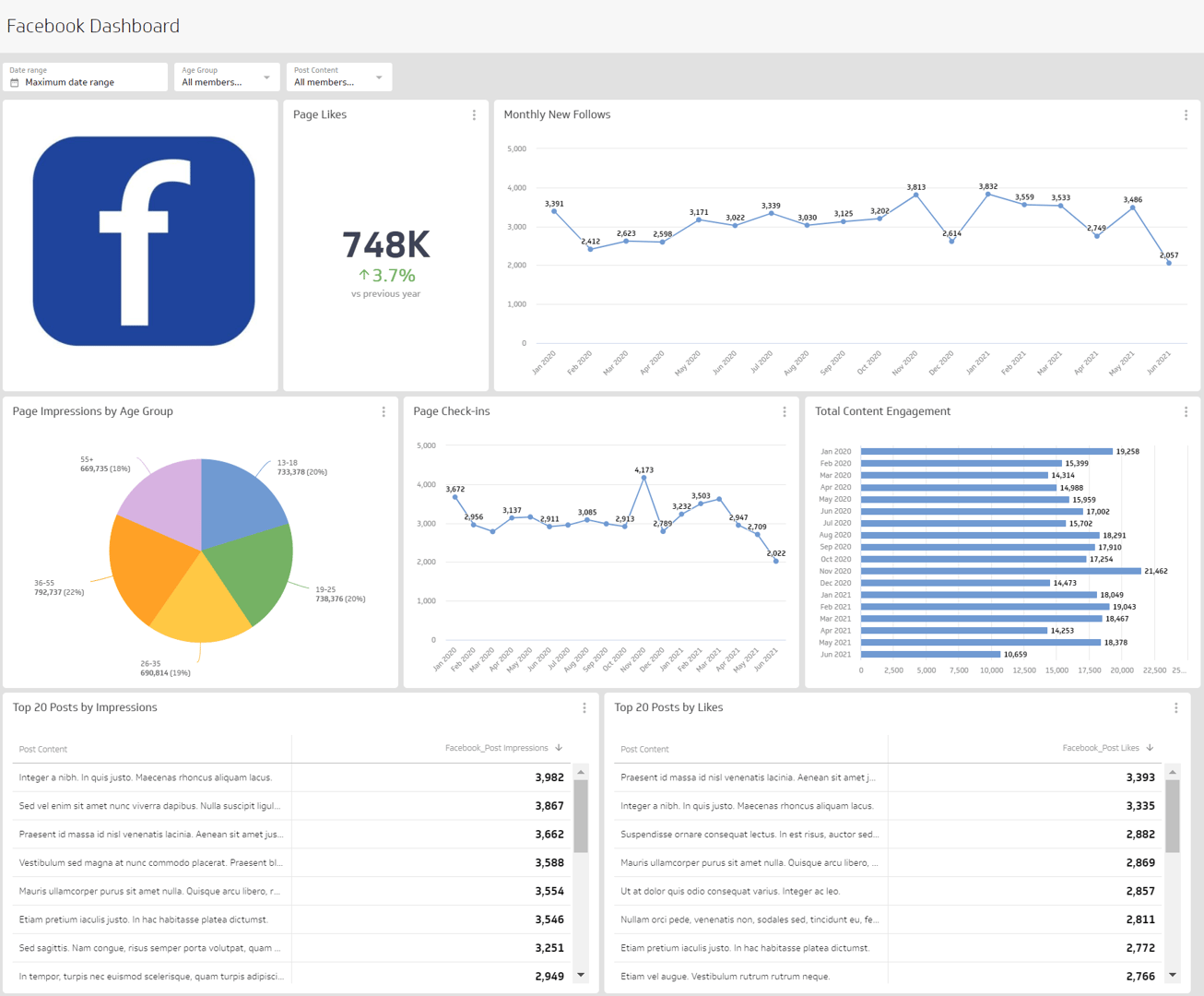
A Facebook Analytics dashboard is a visual reporting tool that displays the metrics and KPIs related to your Facebook Page. Tracking your Facebook data allows you to answer questions like:
How is my audience engaging with my content?
How many new followers does my page gain each week?
How many people is my content reaching?
Is my audience engaging actively (leaving comments) or passively (liking posts)?
A Facebook Analytics dashboard gives you actionable insight into your organic social media strategy.
What metrics should be included on a Facebook Analytics dashboard?
Content Engagement
Content Engagement measures all engagements resulting from content generated in a social media account.
Post Likes
Post Likes measures the popularity of social media content on platforms such as Facebook.
New Follows
New Follows measures the number of followers you've gained on a specific social platform over a given period of time.
Page Likes
Page Likes counts the number of unique visitors who have liked your page.
Page Reach
Page Reach is the number of unique users who have seen posts or any other content from your social media page at least once.
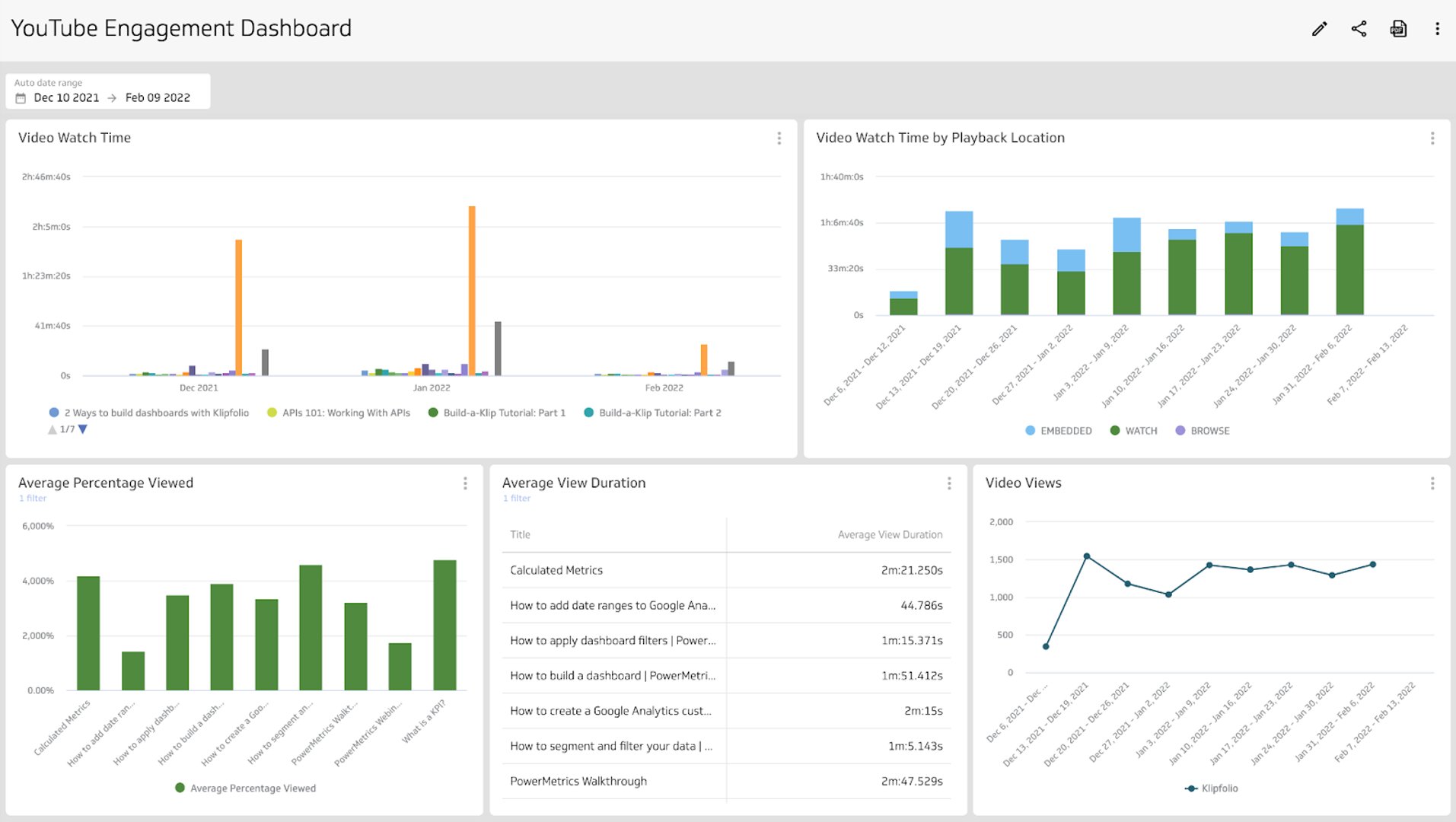
Video Watch Time
Video Watch Time measures how long users spend watching video content on your Facebook Page, helping you gauge content quality and audience interest.
What type of visualization works best on a Facebook Analytics dashboard?
When exploring data visualizations, consider the goal of your dashboard first. Are you building it to compare time periods, observe relationships, or summarize data? The answer shapes which chart types to use.
Use a bar chart or line chart to compare growth over time
To see how page impressions increased week over week, or how follower growth tracks month over month, use a bar chart or line chart. Both make it easy to spot trajectory and trends across your chosen time period.
Use a summary chart to see cumulative values and add a comparison
A summary chart displays a single numeric value, such as page likes or post impressions, so you can quickly gauge performance. Add a comparison value (a number or percentage) to see how you're tracking without digging deep into analysis.
Benefits of a Facebook Analytics dashboard
The standalone Facebook Analytics tool was deprecated in 2021. Facebook Page insights are now available through Meta Business Suite, with Ads Manager handling paid campaign data and Events Manager covering the pixel and conversions API. Bringing all of that data into a single online dashboard means you stop switching between tools and start seeing the full picture in one place.
Building a Facebook Analytics dashboard ensures you and your team can access the metrics to measure organic social media performance. Because Facebook Pages are often linked to personal accounts, a shared dashboard removes the gatekeeping — you can distribute the data widely and make sure everyone monitors performance and engagement rates.
Dashboard inspiration for your Facebook Analytics
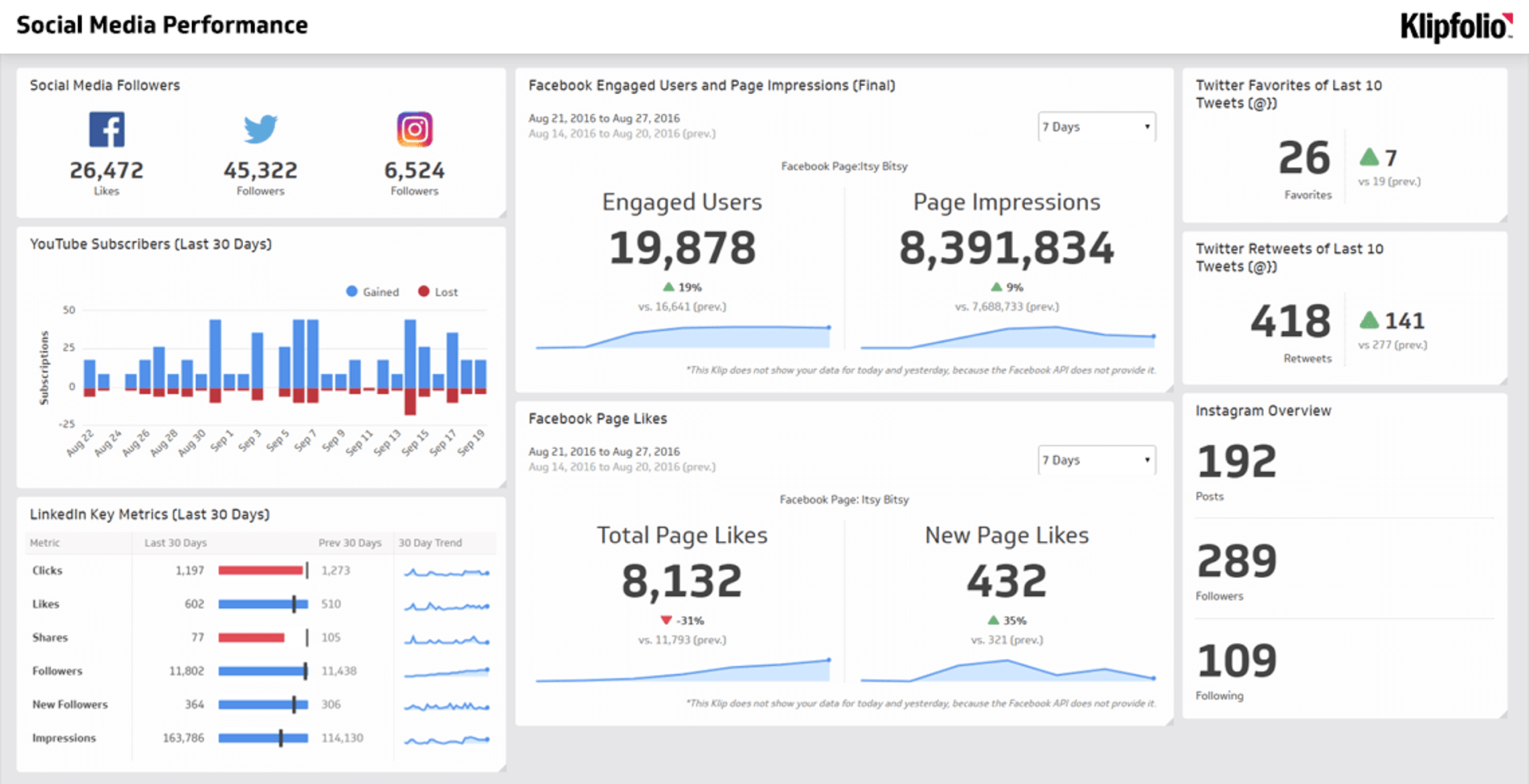
Not sure where to start? Here are a few dashboard examples you can build using your Facebook data, each focused on a specific goal or KPI.
Facebook Performance Dashboard
Get a complete overview of Facebook performance with a performance dashboard. This dashboard includes metrics like content engagement, new followers, page impressions, and post reach. Use it to answer questions like:
How many new followers are we gaining each week?
How many post impressions do we have this month compared to last month?
Is our page content consistently reaching our audience?
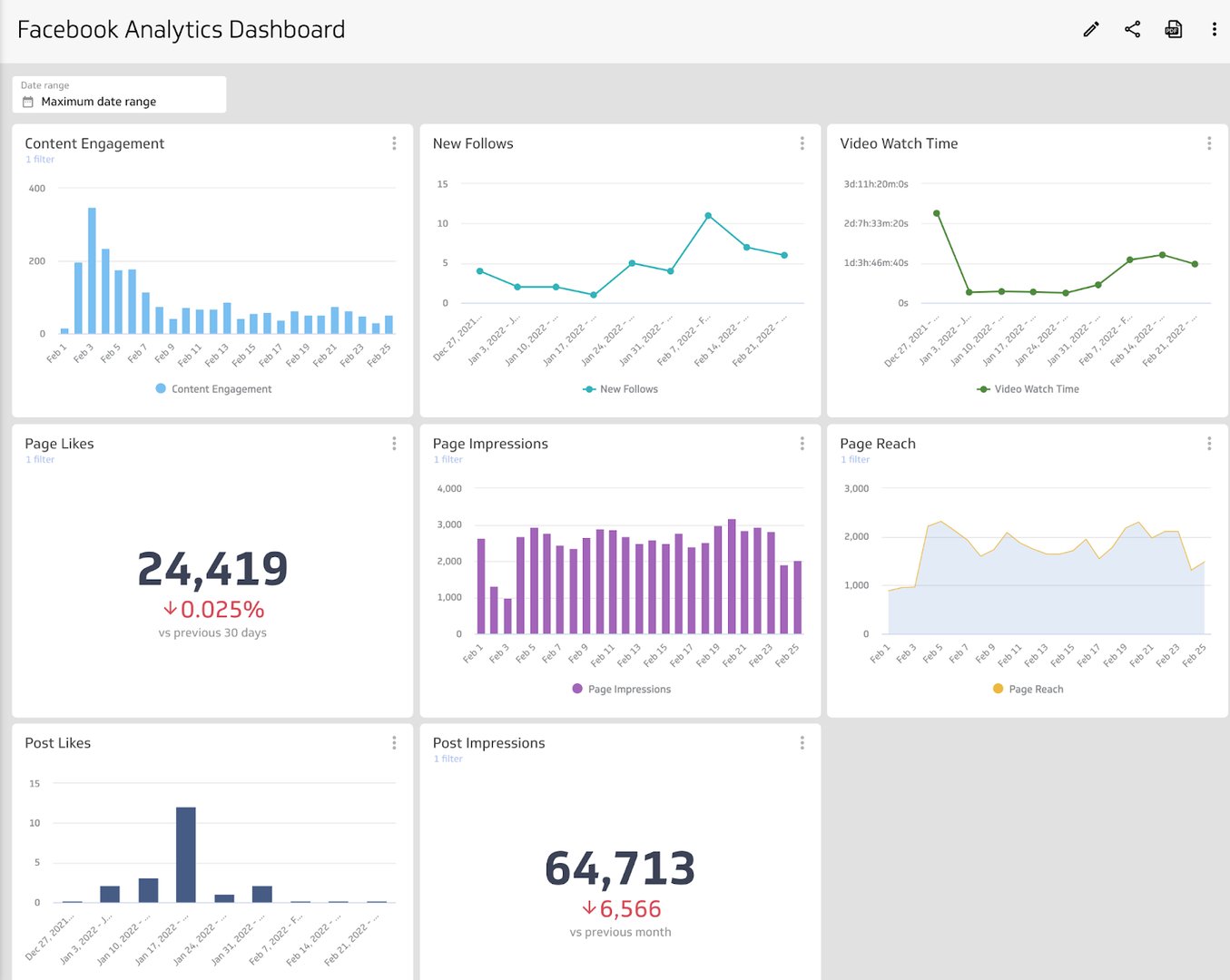
Facebook Organic Engagement Dashboard
Engagement on Facebook is a key indicator of whether your content resonates. When your audience interacts with your posts, it signals that your message is landing. This dashboard helps you answer questions like:
Is my audience passively (likes) or actively (comments) engaging with my content?
Are there patterns in days of the week that see higher engagement?
How does our post reach compare to our page reach?
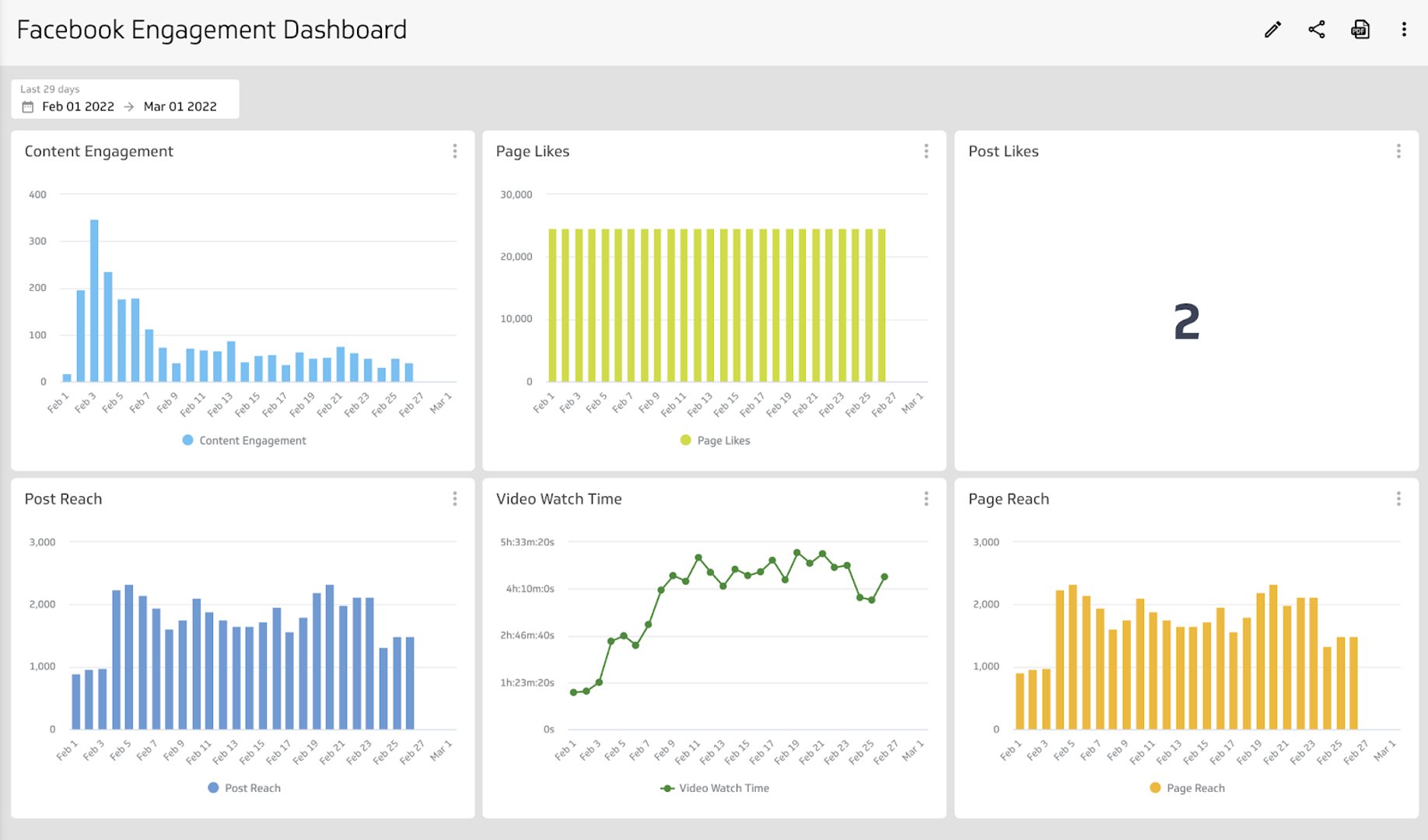
Facebook Paid Ads Engagement Dashboard
A Facebook paid ads engagement dashboard measures results from both your Facebook Ads (paid) and your Facebook Page (organic), so you can track success across your entire Facebook marketing strategy. Use it to answer questions like:
Do we have more success reaching our audience through paid channels or organically?
Does our paid audience or our organic audience convert at a higher rate?
Does our follower growth correlate with our ad campaigns?
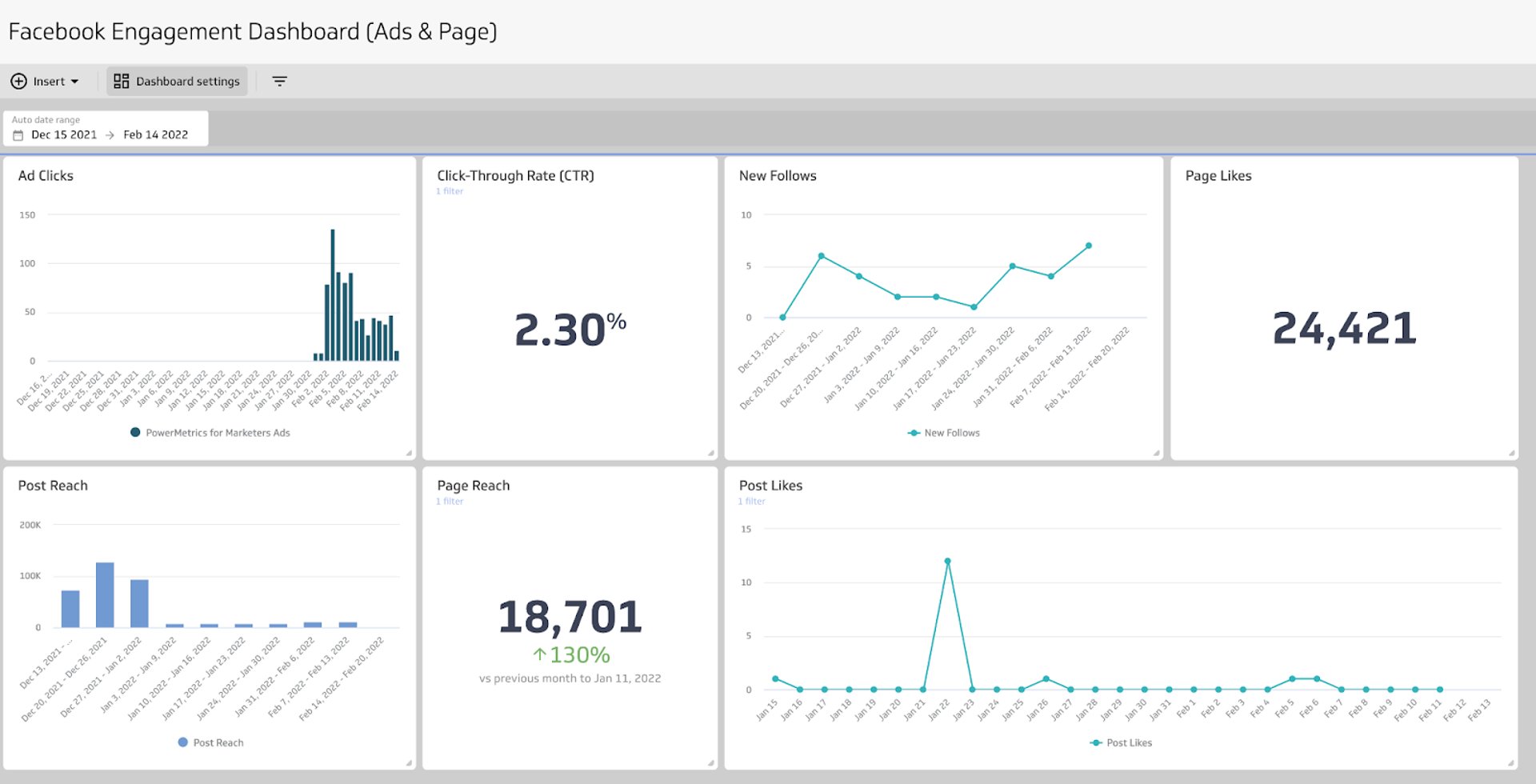
What does success look like with a Facebook Analytics dashboard?
A Facebook Analytics dashboard gives you and your team the metrics to measure organic marketing efforts in one place. A well-designed dashboard ensures that everyone, regardless of department or expertise, can understand the data being visualized.
Use your Facebook Analytics dashboard to understand what's working and what isn't as part of your broader social media strategy. The data you surface should help you build a social media approach that fits your business and your audience.
If you're also running paid campaigns, add a Facebook Ads Dashboard to your reporting so organic and paid performance live side by side.
At a glance
Focus Area
Organic social media performance tracking and Facebook Page analytics
Metrics List
Content Engagement, Post Likes, New Follows, Page Likes, Page Reach, Video Watch Time
Reference Rate
Daily or weekly refresh recommended for social media engagement metrics
Related Dashboards
View all dashboards